

Claude Code
View sessions, tool calls, questions, and code changes.
We've rebranded to PandaSI (Panda Super Intelligence). Our new domain is pandasi.ai
PandaSI — Panda Super Intelligence
Research · Creation · Coding
Run Claude Code, Codex, Antigravity, PandaCode, DeepSeek Harness, Pi and OpenCode with your personal NPC — pick up any task from phone, browser or desktop.
The Agent Cloud is your own cloud dev machine. Sign in to create and use it.
Start with a task
Product family
Each product works on its own and shares one account, one set of agents and one private network.
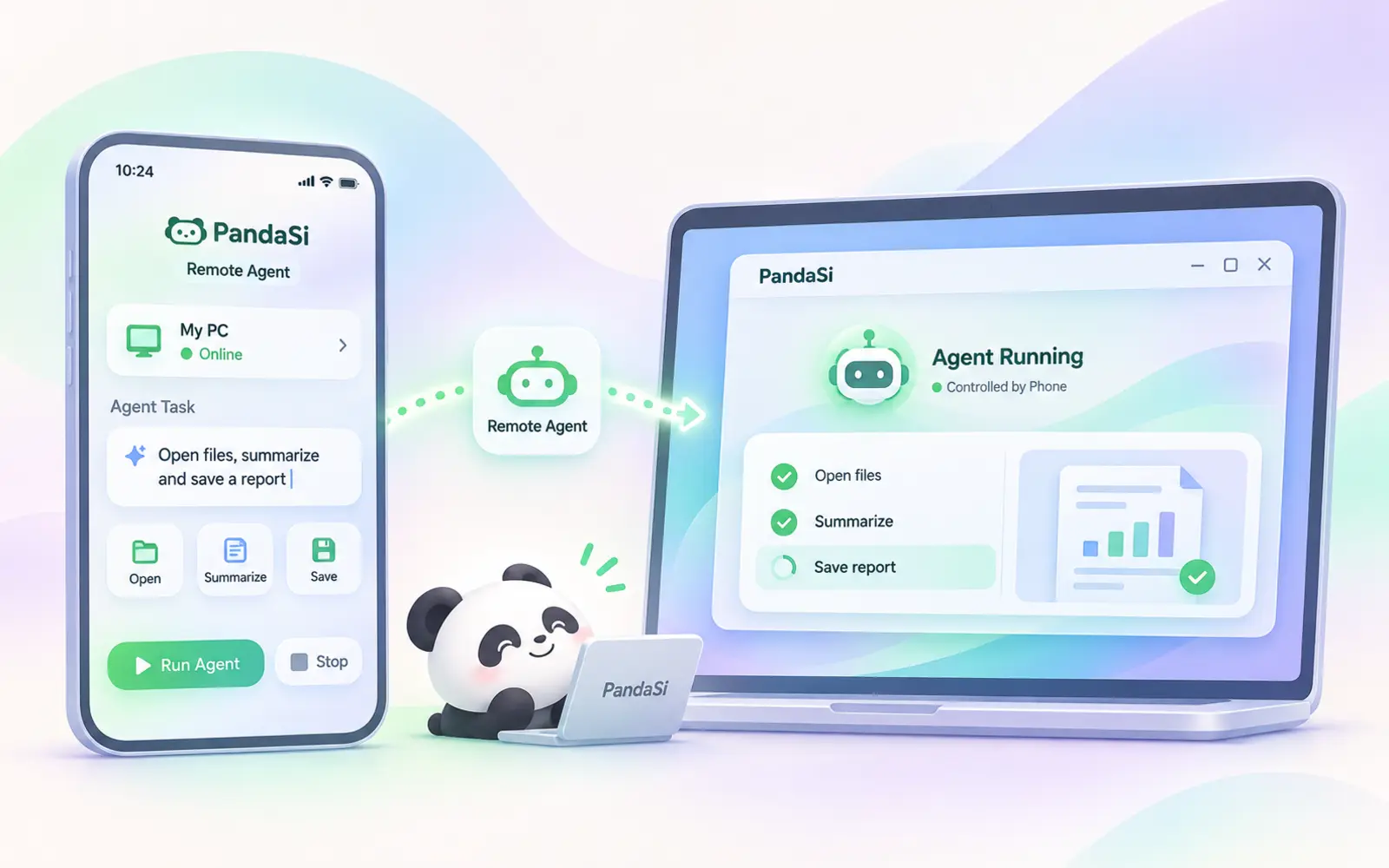
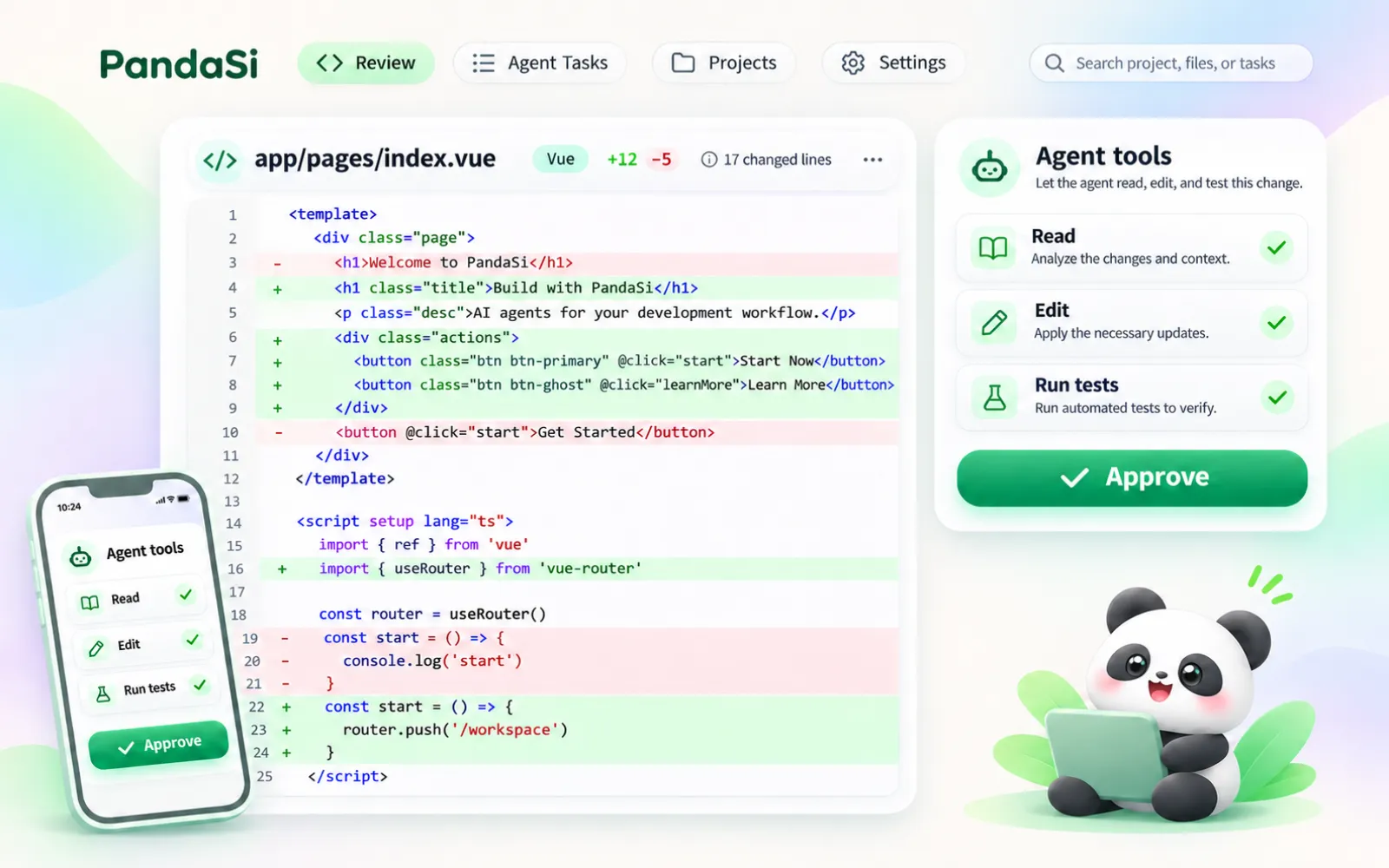
Your coding agent keeps running on your own machine. PandaSI gives you a live connection to it from anywhere — send a prompt, approve a tool call, read the diff, without sitting at that desk.
Learn more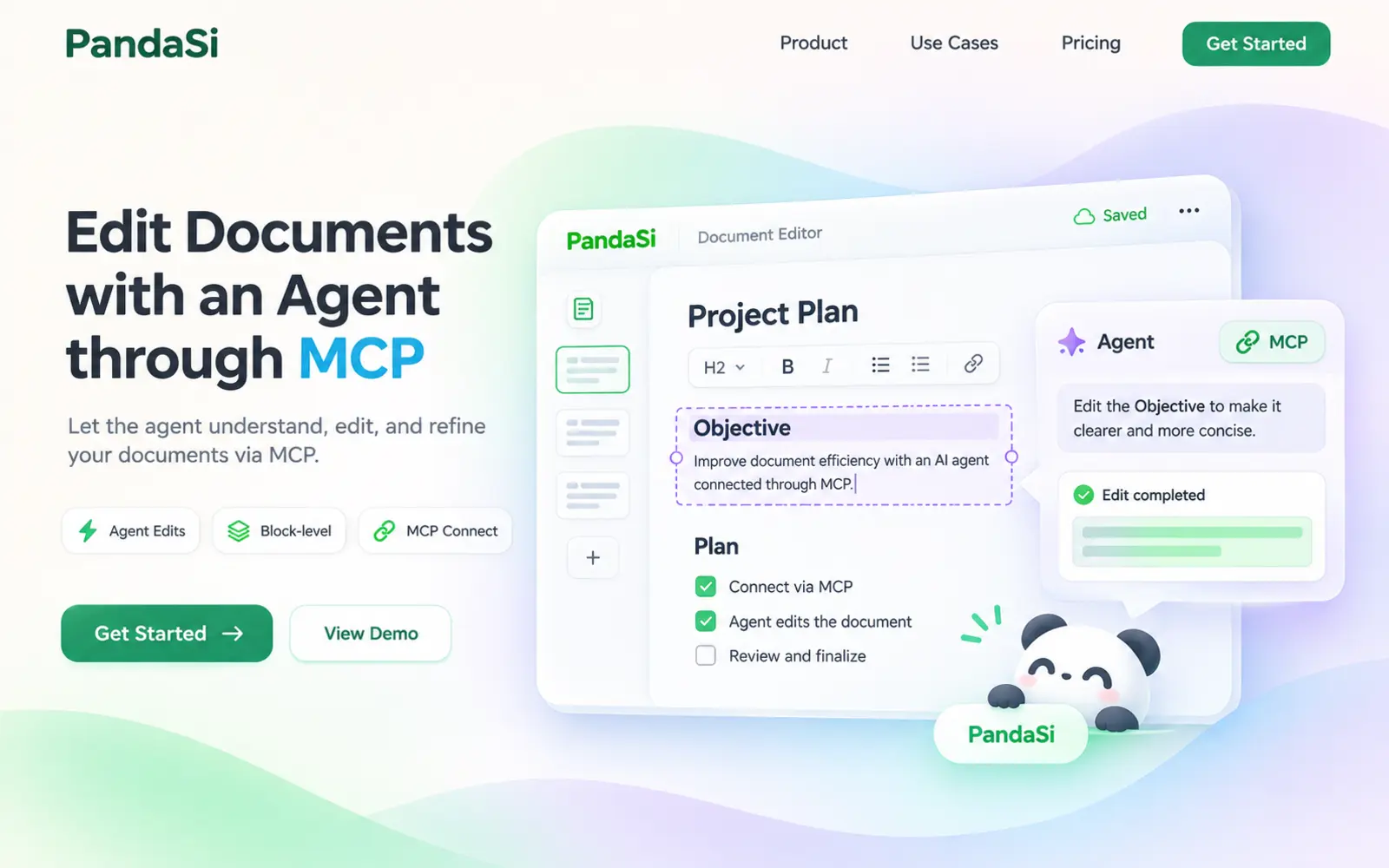
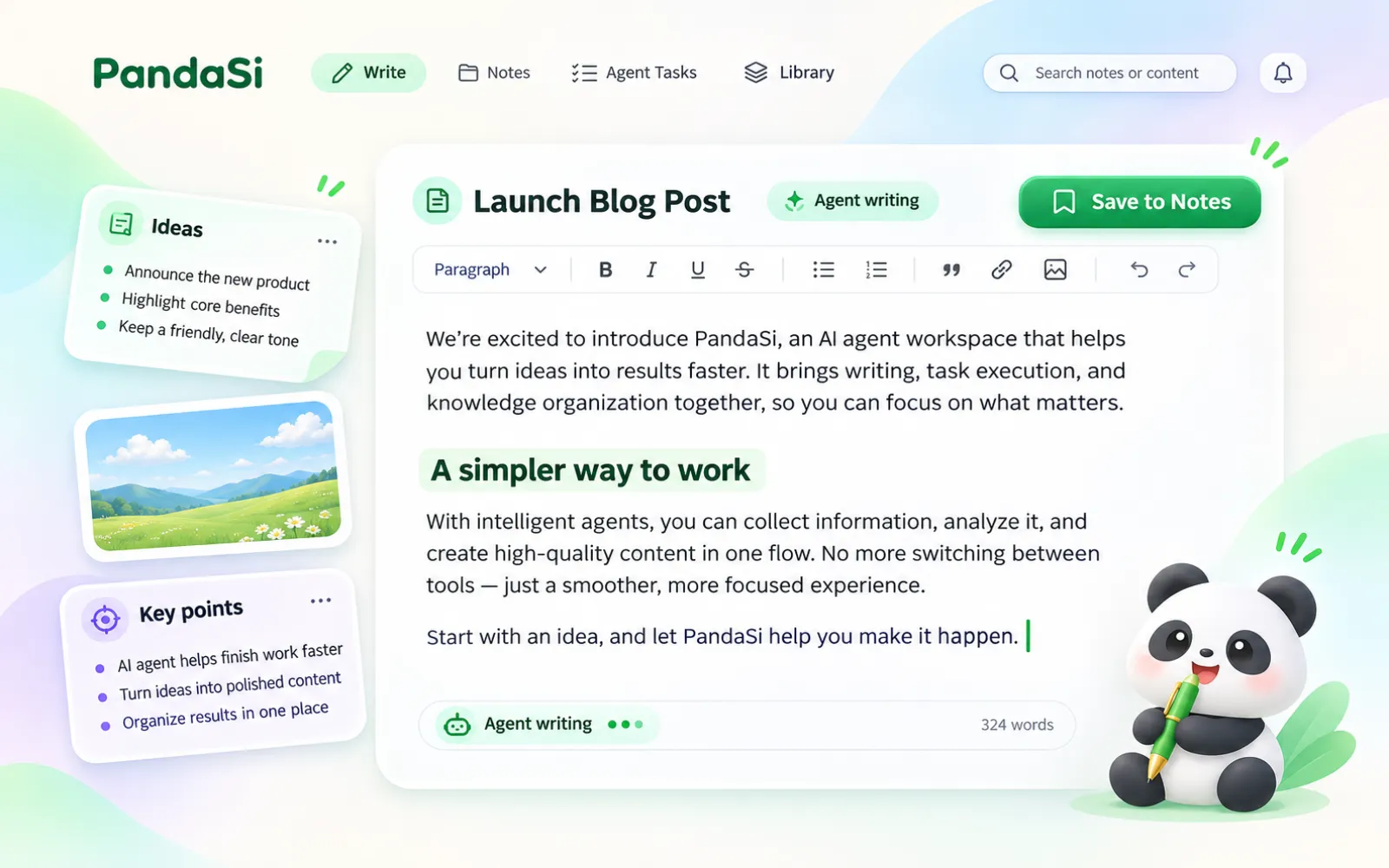
A markdown notes app where Claude, Codex and Cursor read and edit your documents directly over MCP — not by copy-paste into a chat box.
Learn more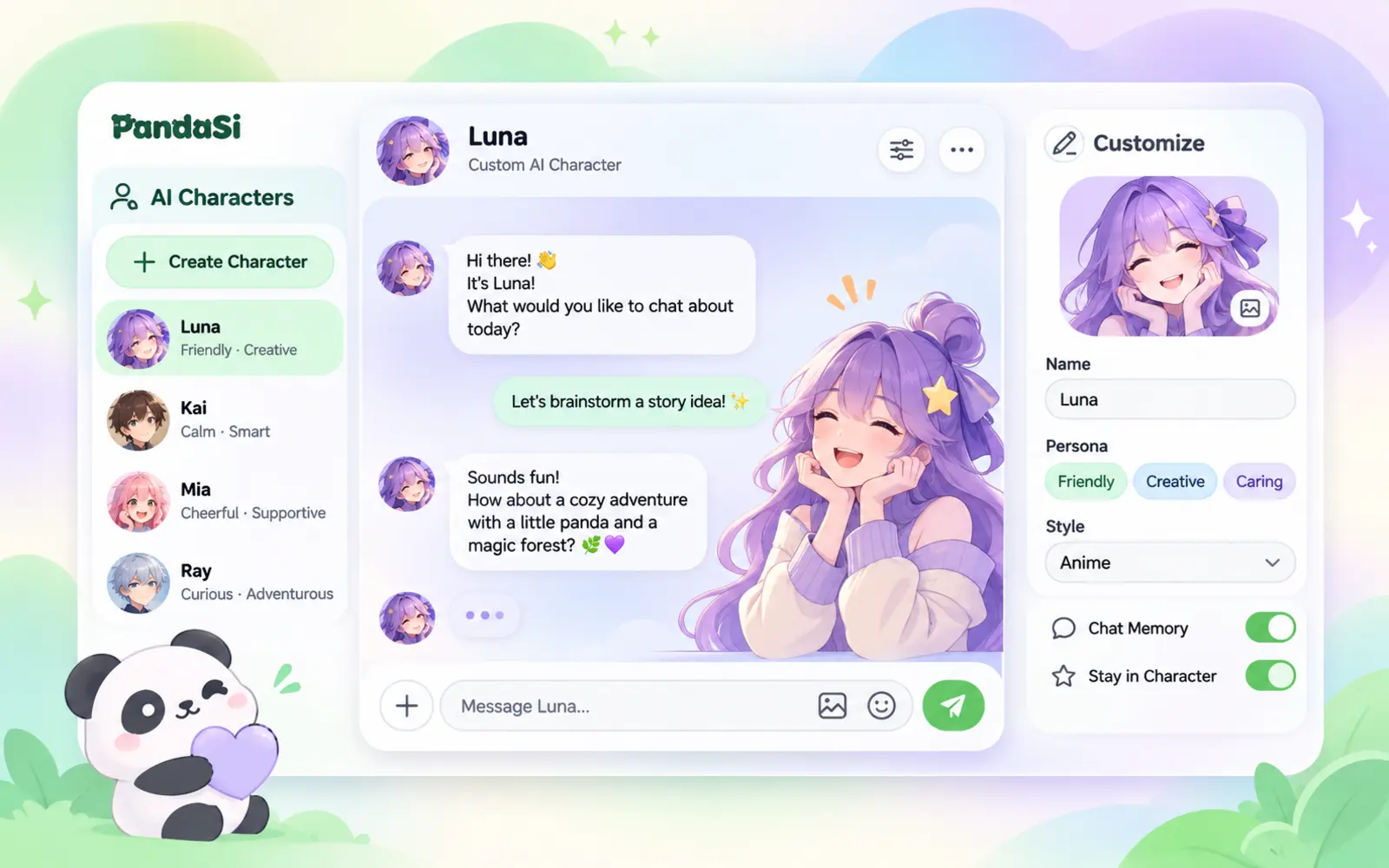
Design an NPC with its own persona, voice and look. Chat or call any time, put several in a group, and let one hand real work to your cloud computer or your Agents.
Learn more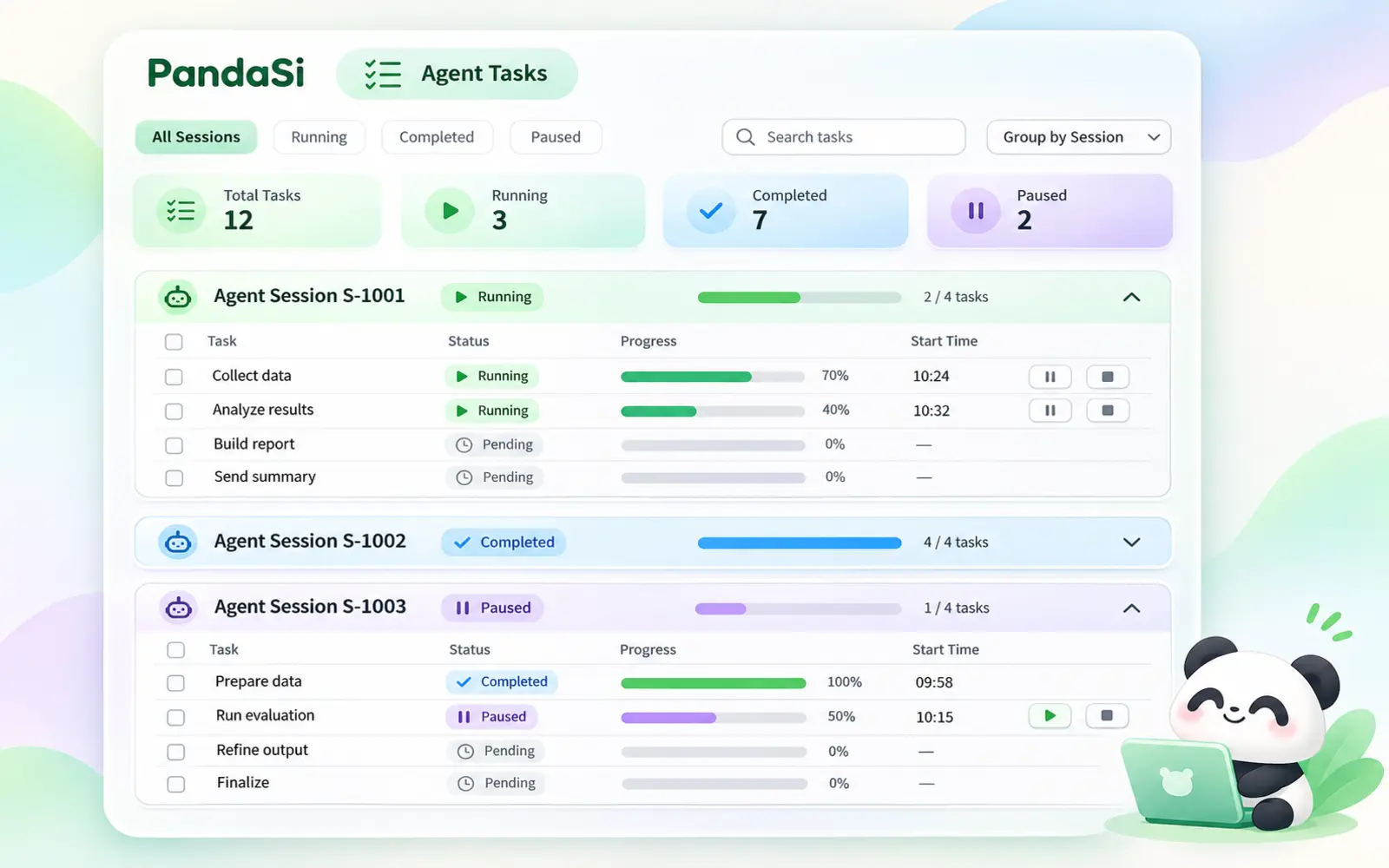
Your coding agents plan their work as to-do lists. PandaSI gathers them from every session into a single board, so you see what is done and what is left at a glance.
Learn more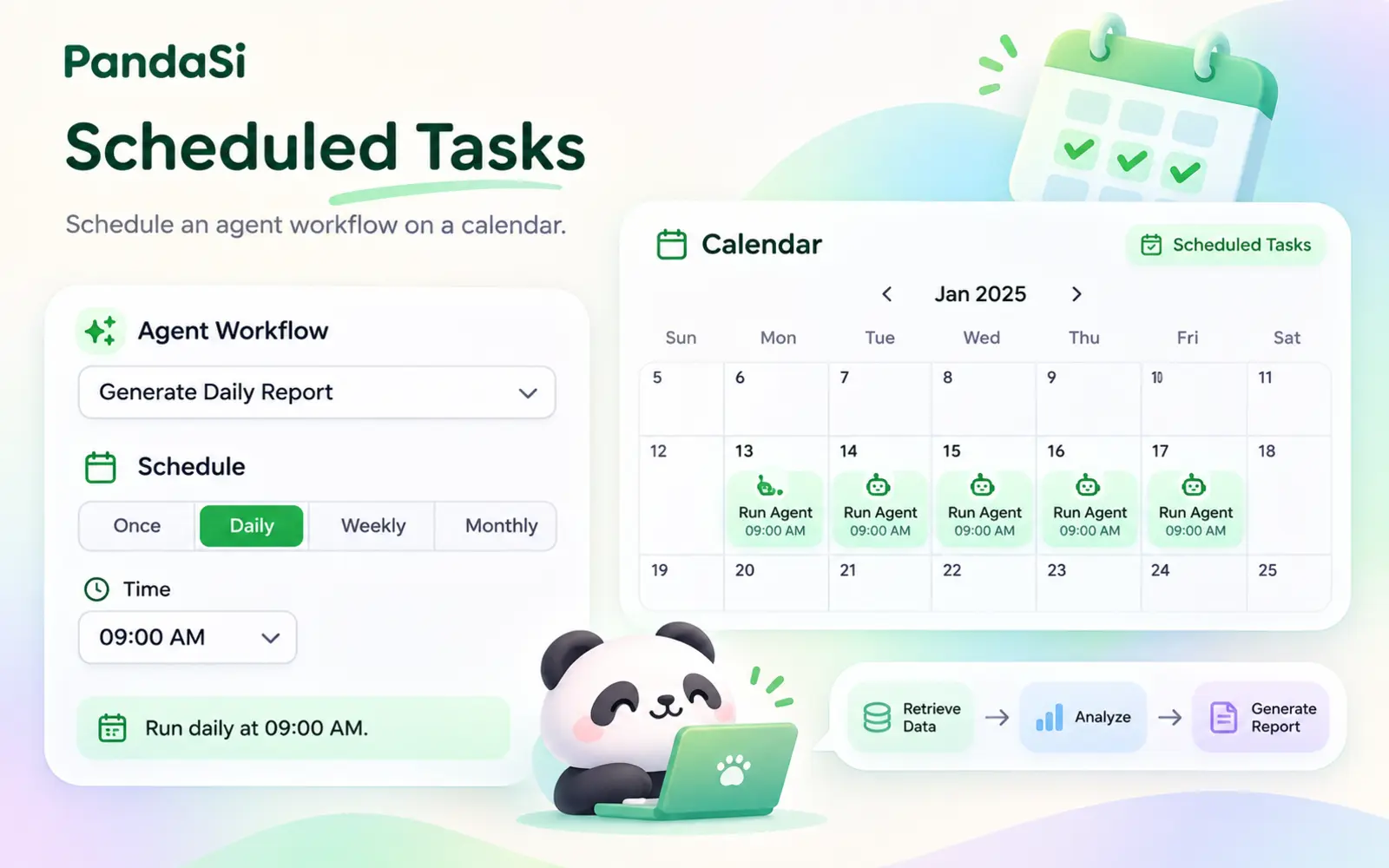
Tell Claude "every weekday at 9am, do this" and it becomes a scheduled task that runs on your own machine — with history, notifications and results you can open.
Learn more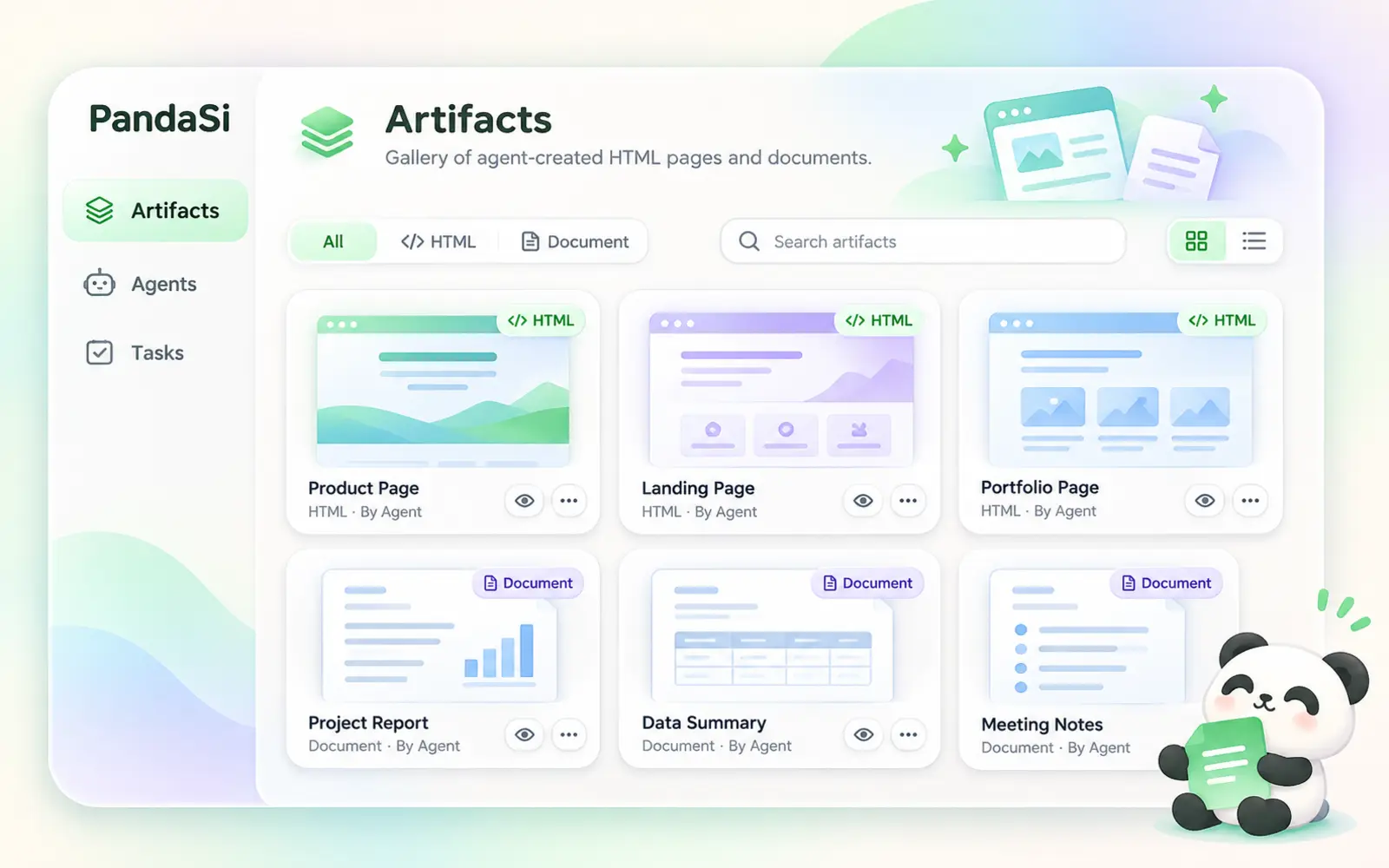
Reports, dashboards, explainers and documents your agent creates become artifacts — real pages with their own link, private until you share them.
Learn more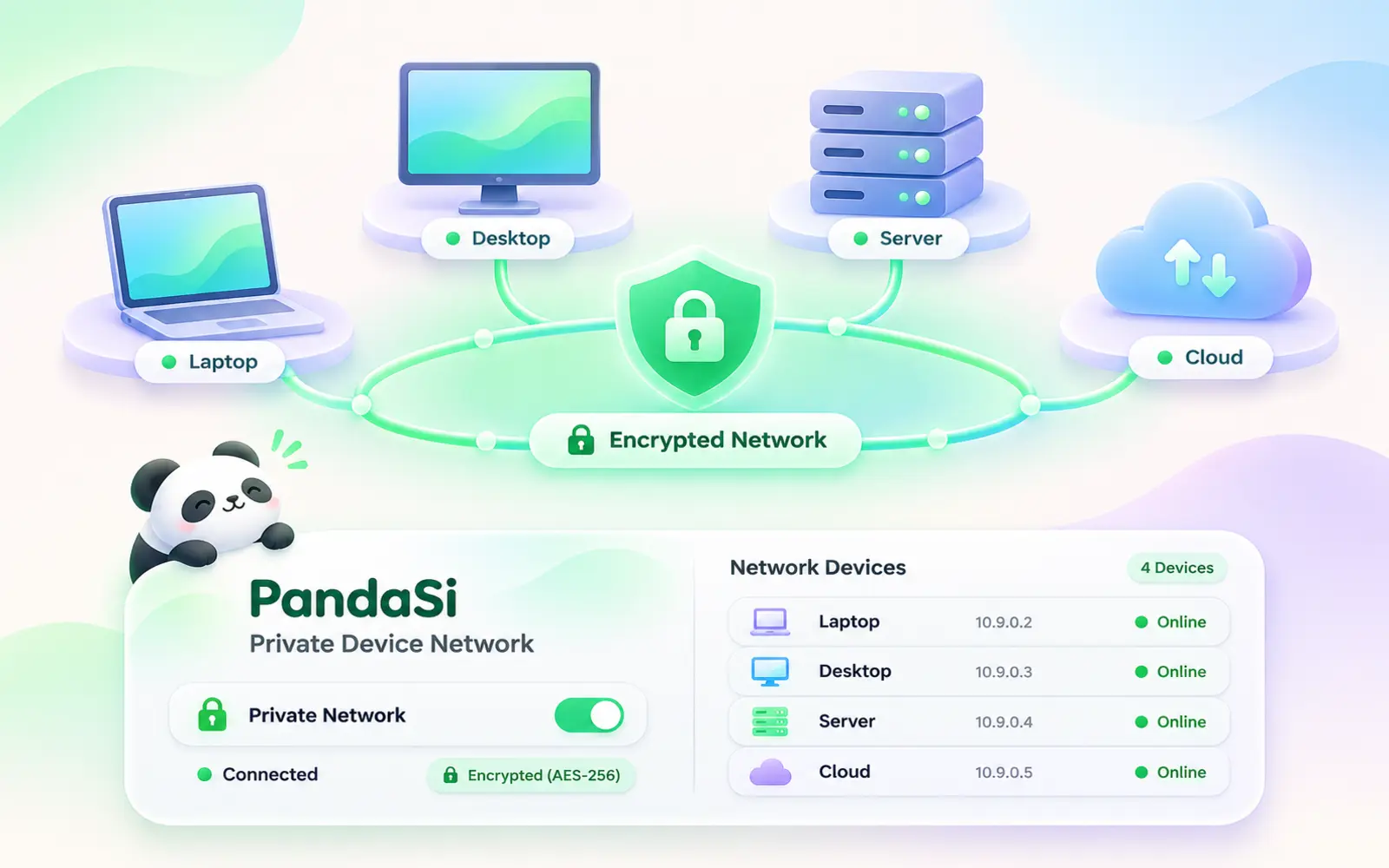
Join your laptop, office PC, servers and cloud computer with one command. They reach each other directly and securely — and your agents can work on whichever one has the code.
Learn more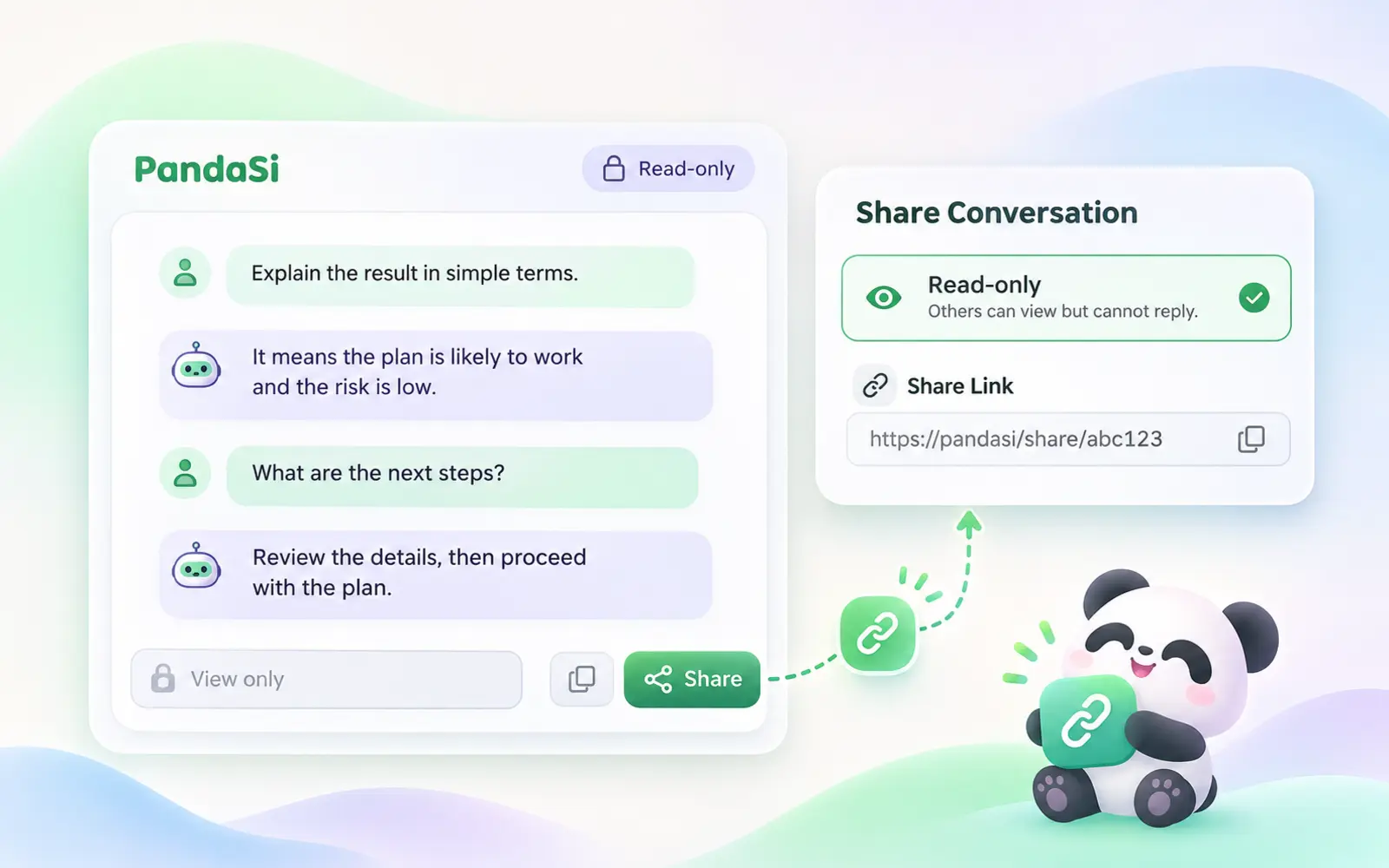
Send a session as a link, stream it live, hand a teammate access to your machine, or publish the result as a page. Every share can be revoked.
Learn more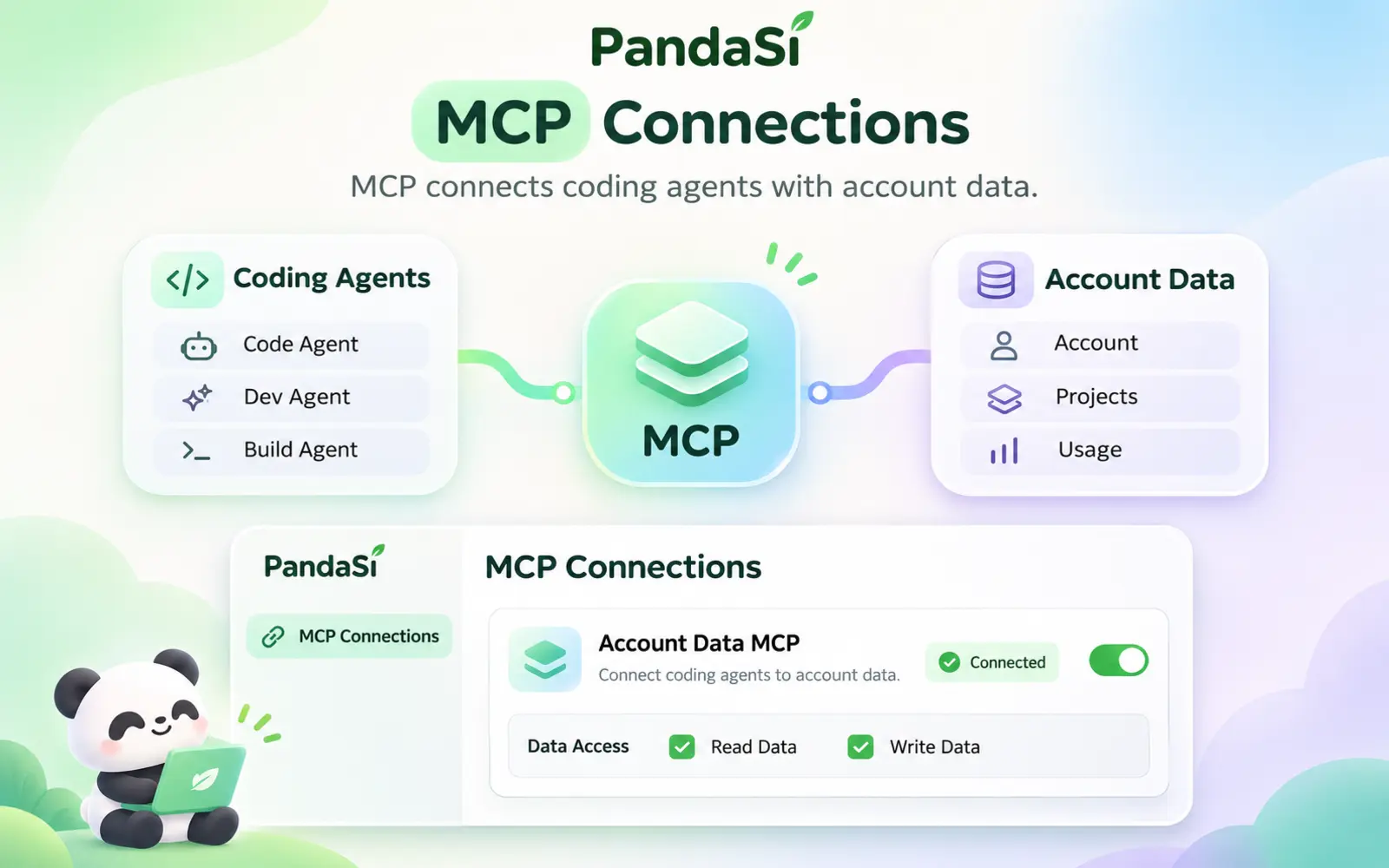
Give Claude Code, Codex and Cursor tools for your notes, scheduled tasks and agent connections — added with one command.
Learn more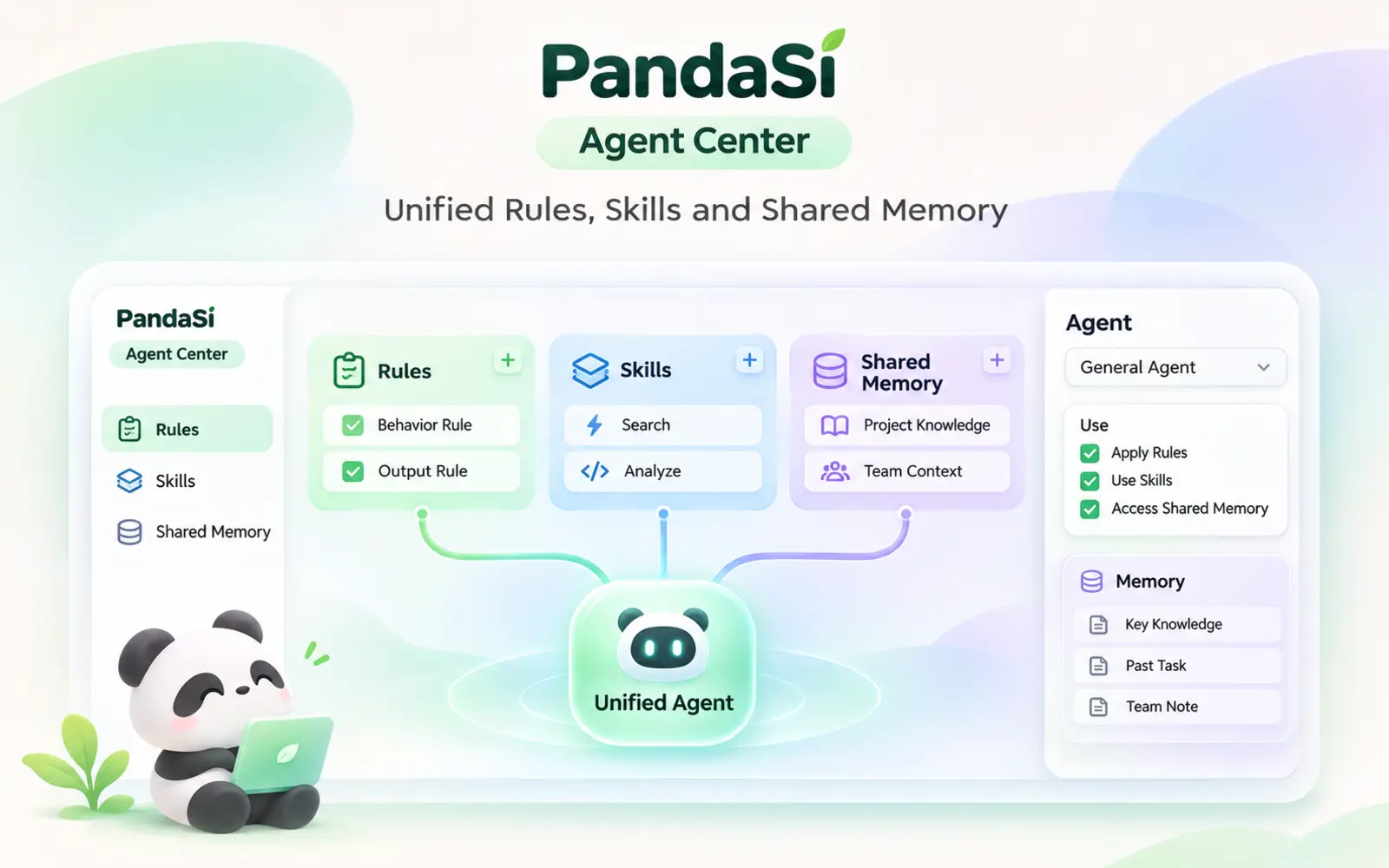
Agent Center keeps the instructions, skills and shared memory of all your coding agents together, and syncs them to every machine and project so each agent starts with the same context.
Learn more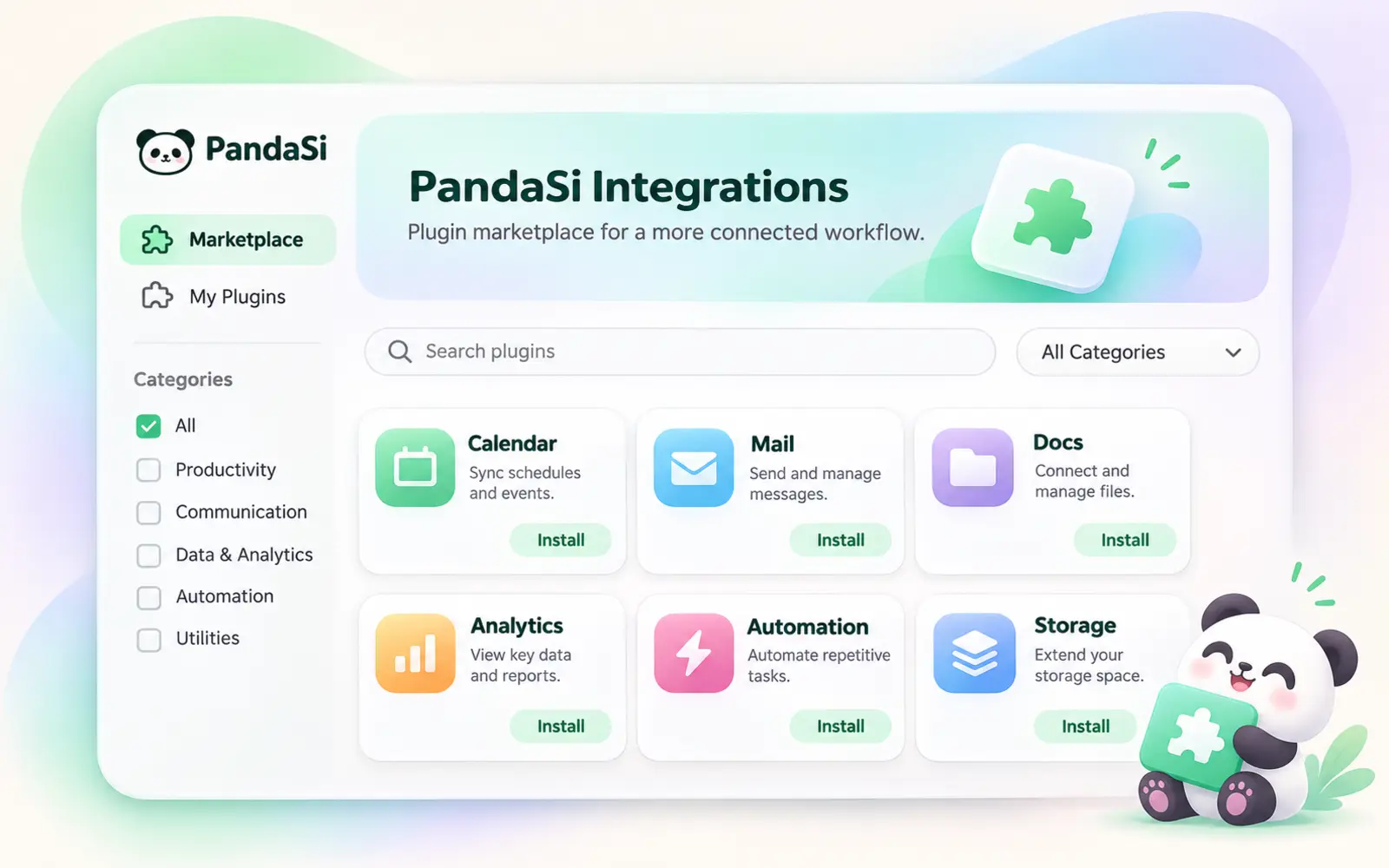
Integrations is a marketplace of plugins that plug third-party services into PandaSI. Connect once and your agents can use them as tools in any session.
Learn more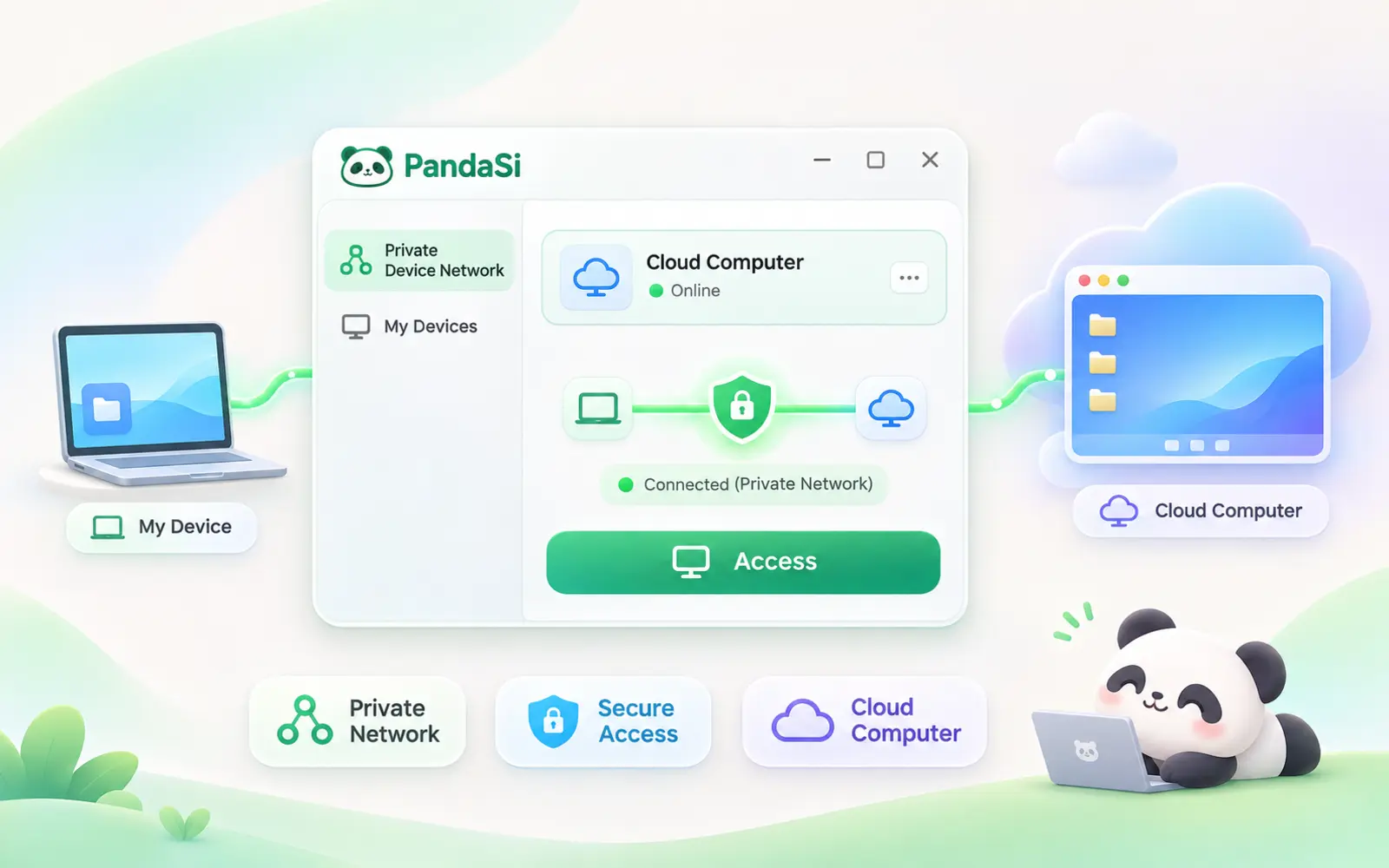
A cloud machine that keeps your agents working after your own computer is switched off — reach it from your phone, browser or desktop.
Learn more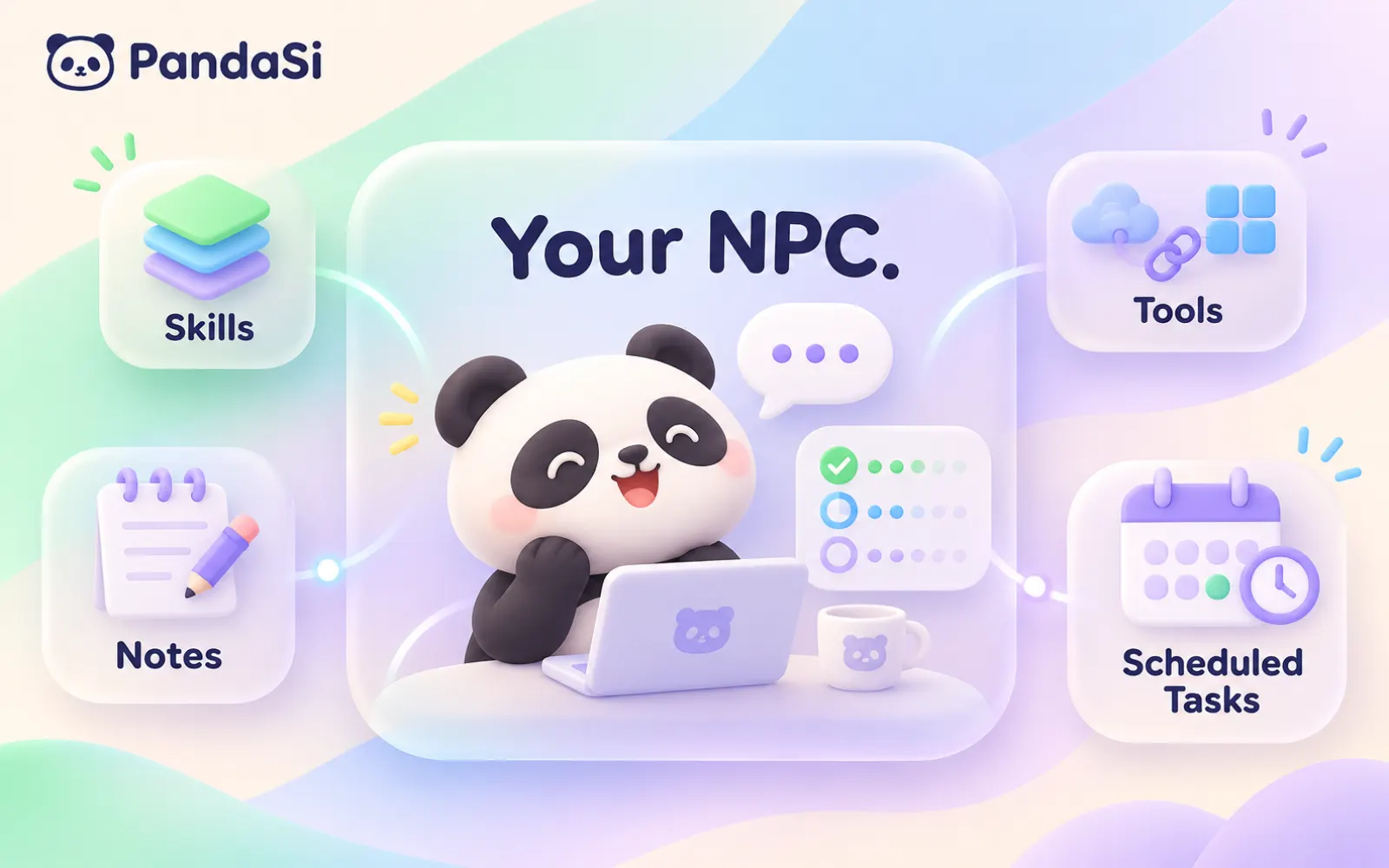
Set a goal in conversation and let the NPC advance the task using skills, notes, and connected tools. Turn repetitive work into scheduled tasks, then come back anytime to check progress and add requirements.
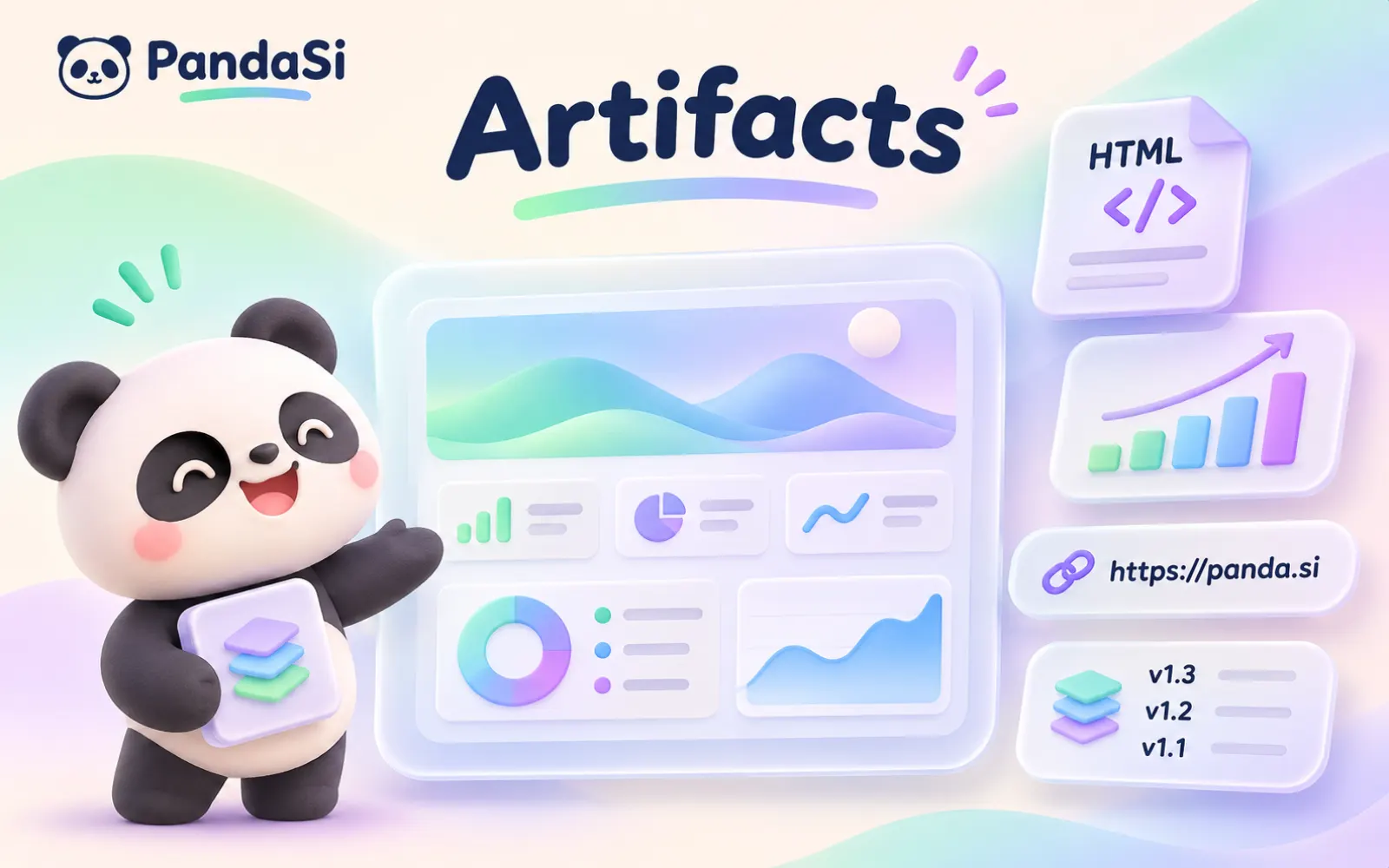
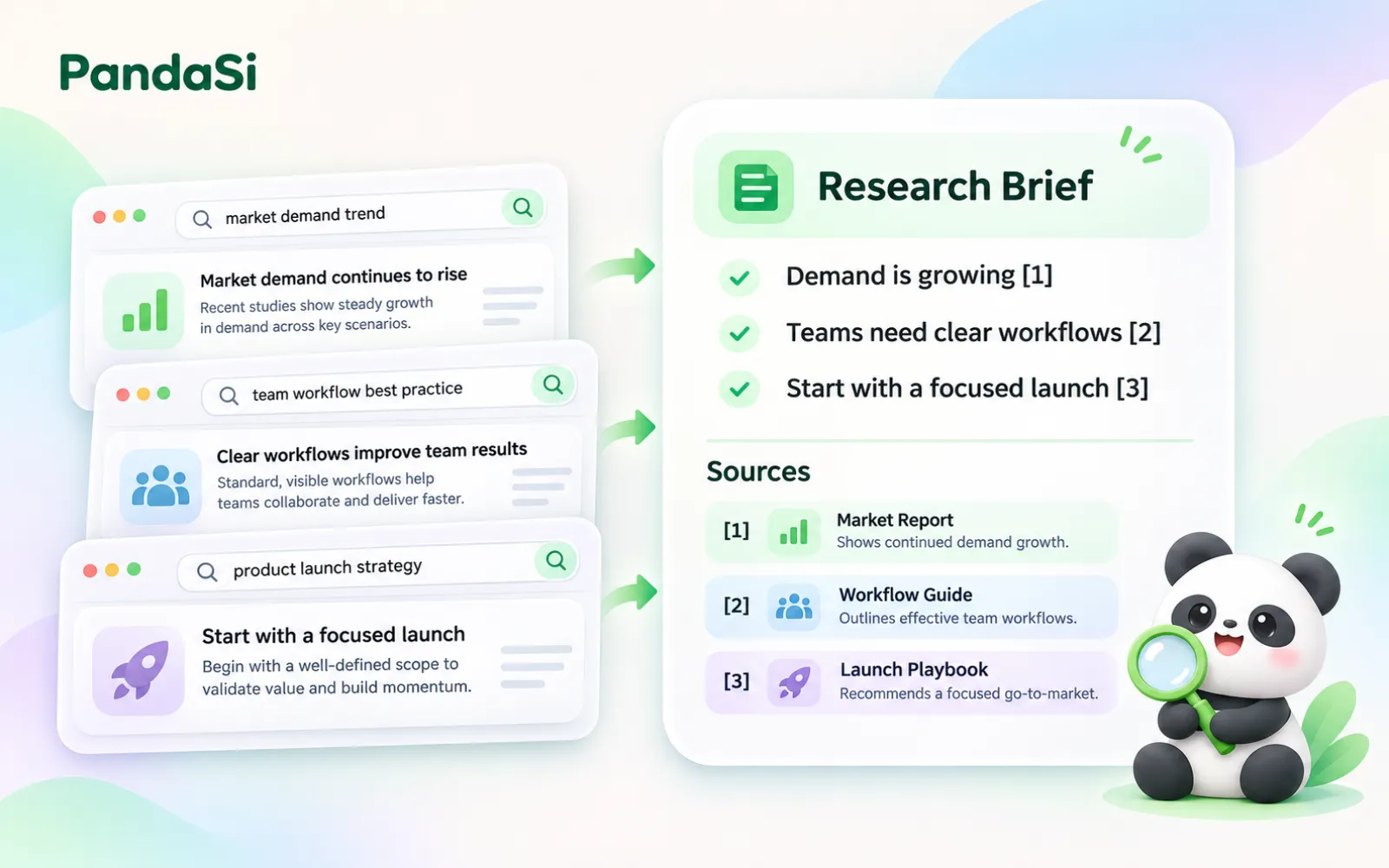
Turn ideas into interactive reports, visual charts, and web widgets. Preview in conversation, request changes, and keep iterating, then share with others via link.
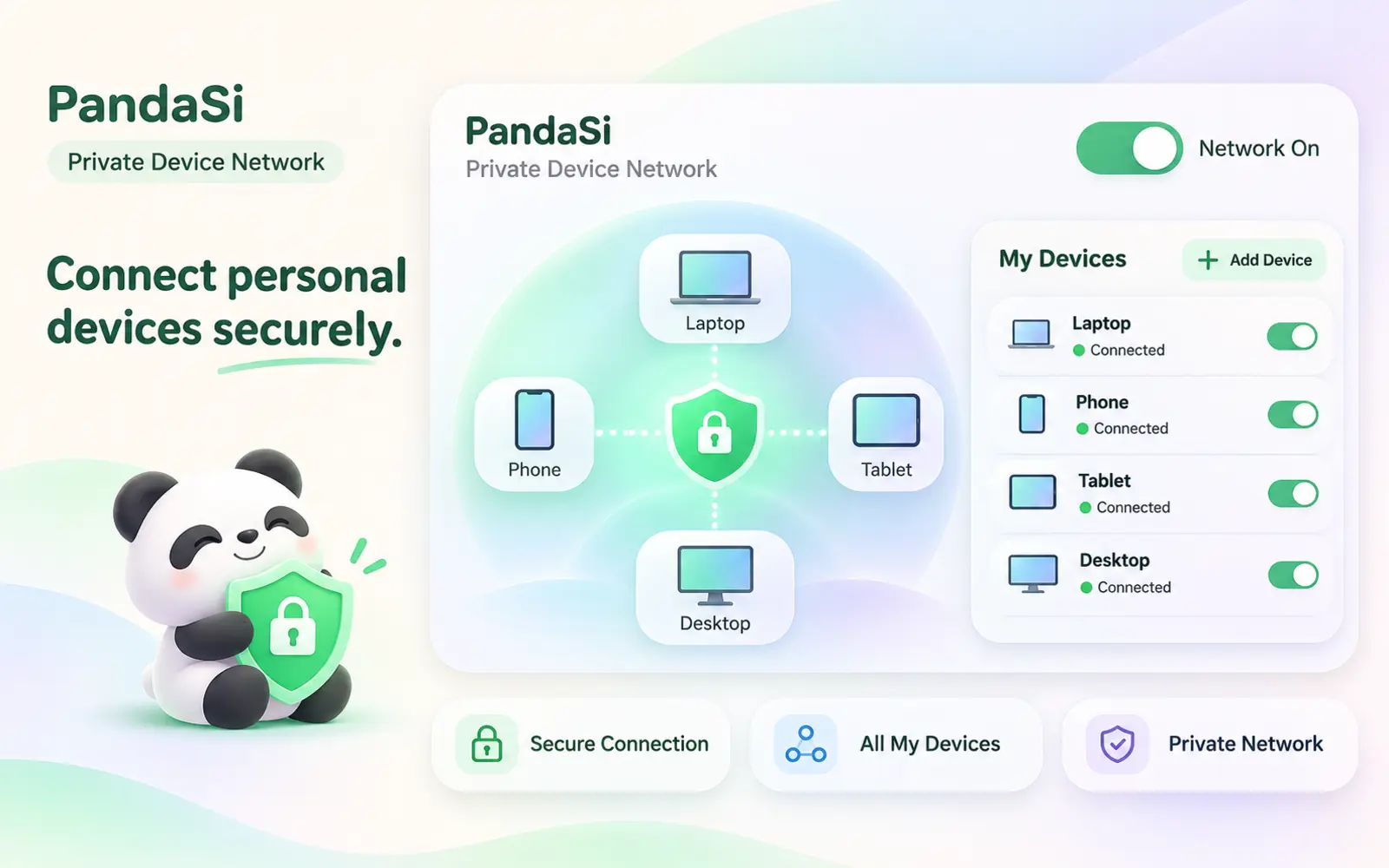
Add PandaPaw to each agent host under the same PandaSI account. The computers automatically join a private network, letting you continue Claude Code, Codex, Antigravity, PandaCode, DeepSeek Harness, Pi and OpenCode sessions from your phone, browser or another computer—without a public IP or port forwarding.
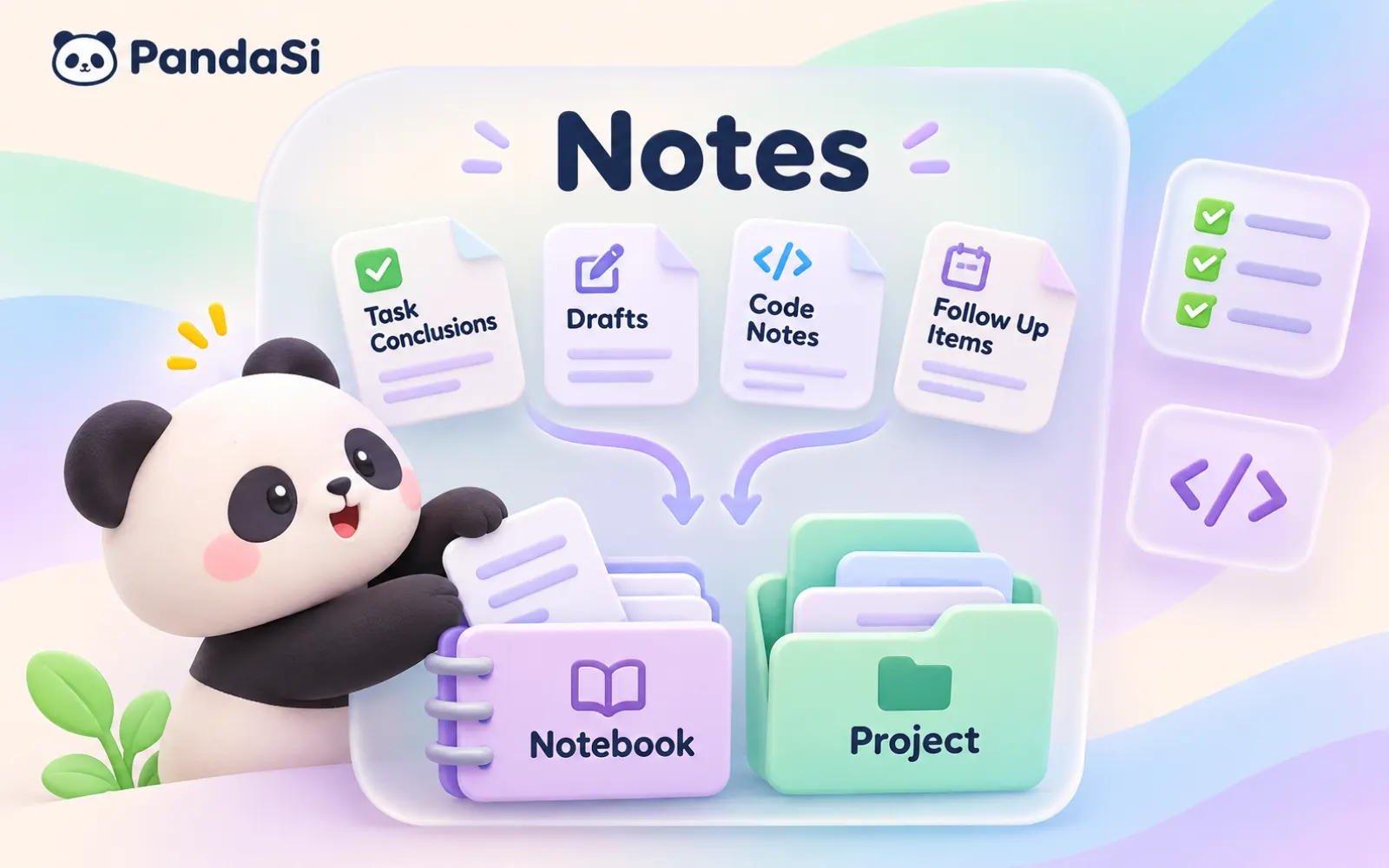
After a task is complete, organize conclusions, drafts, code notes, and follow-up items into project materials or notes so they are easy to edit, find, and share.
Multiple engines, one work surface
PandaSI brings sessions from multiple Agents together in one interface. You can switch engines and connections and see what each piece of work is doing.
Each engine keeps its own capabilities, account, and runtime environment; you can choose the right engine for the task and provide the needed context and feedback separately.
View sessions, tool calls, questions, and code changes.

Connect to Codex sessions, continue tasks, and inspect execution results.

Connect to Antigravity sessions and follow the task process.
Use configurable models to advance conversations and coding work.

Connect to DeepSeek Harness sessions and follow the task process.
Connect to Pi sessions and follow the task process.

Connect to OpenCode sessions and follow the task process.
Inside the workspace
An AI agent workspace gives agents the context, tools, triggers and places to run that real work needs. Here is what each part looks like in PandaSI.
Keep rules, skills and memory in Agent Center so every session starts with the context it needs.
Agent Center →Connect apps and MCP servers so agents can read data and take action, not just generate text.
Integrations →Run agents on a schedule and get the results back without opening a session yourself.
Scheduled tasks →Run on your own computers through the device network, or on a cloud computer that stays online.
Devices →Save outputs as notes and interactive artifacts you can reopen, edit and share.
Artifacts →Follow along across devices
Execution still happens on the connected machine and in the session environment. When the machine stays powered on, the Agent process is online, and the network is available, you can continue to view and operate from other devices.
When a task needs confirmation, more information, or has produced results, open it on mobile, in the browser, or in the desktop app to return to the same session.
Return to the same Agent session from mobile, browser, or desktop while the execution environment is online.
Outputs you can keep using
After a task is complete, organize conclusions, drafts, code notes, and follow-up items into project materials or notes so they are easy to edit, find, and share.
You can organize important context and outputs by project, making it easier to find what you need when you continue working next time.
FAQ
PandaSI is your AI workspace: an always-on NPC assistant plus multiple Agent engines (Claude Code, Codex, Antigravity, PandaCode, DeepSeek Harness, Pi and OpenCode), connected to your notes, artifacts, scheduled tasks and all your devices, so research, content and coding tasks get finished end to end.
An NPC is your always-on personal assistant. Hand it work, ask it to research and use abilities right in chat, or bring it into group chats to collaborate.
Cloud Agents run in an isolated sandbox, so your computer doesn't need to stay on. Remote control connects to Claude Code, Codex, OpenCode and other engine sessions on your own computer, so you can view, approve and continue them from your phone, the web or the desktop app.
Yes. Scheduled tasks wake an Agent on a plan and run automatically, for example writing a daily summary each morning, running periodic checks or collecting information.
Save conclusions and drafts to notes, or publish them as artifacts (web pages and docs) and share them with a link in one click.
The Abilities store connects Gmail, the browser, computer control and more. Through MCP, Claude Code, Codex and Cursor can read and write your notes and tasks directly.
iOS, Android, Mac, Windows, Linux and the web. Your devices connect securely through the PandaNet mesh.
Yes. Claude Code, Codex, Antigravity, PandaCode, DeepSeek Harness, Pi, OpenCode and NPCs can network across your devices, message each other, hand off work and pick up where another left off, like a team collaborating in a group chat, and you can see their conversations at any time.
Every session has its own todo list. What you ask for is turned into todos automatically, and the Agent checks them off with the result when done; you can also check or edit them yourself. Todos from all sessions are gathered in one place, so you can see at a glance what is finished and what is stuck.
PandaSI
Start with a clear task, view the process in PandaSI, and review the results.