
One-line join
Generate a key on the Connected Devices page and paste the install command on the device. Nothing else to configure.
Join your laptop, office PC, servers and cloud computer with one command. They reach each other directly and securely — and your agents can work on whichever one has the code.
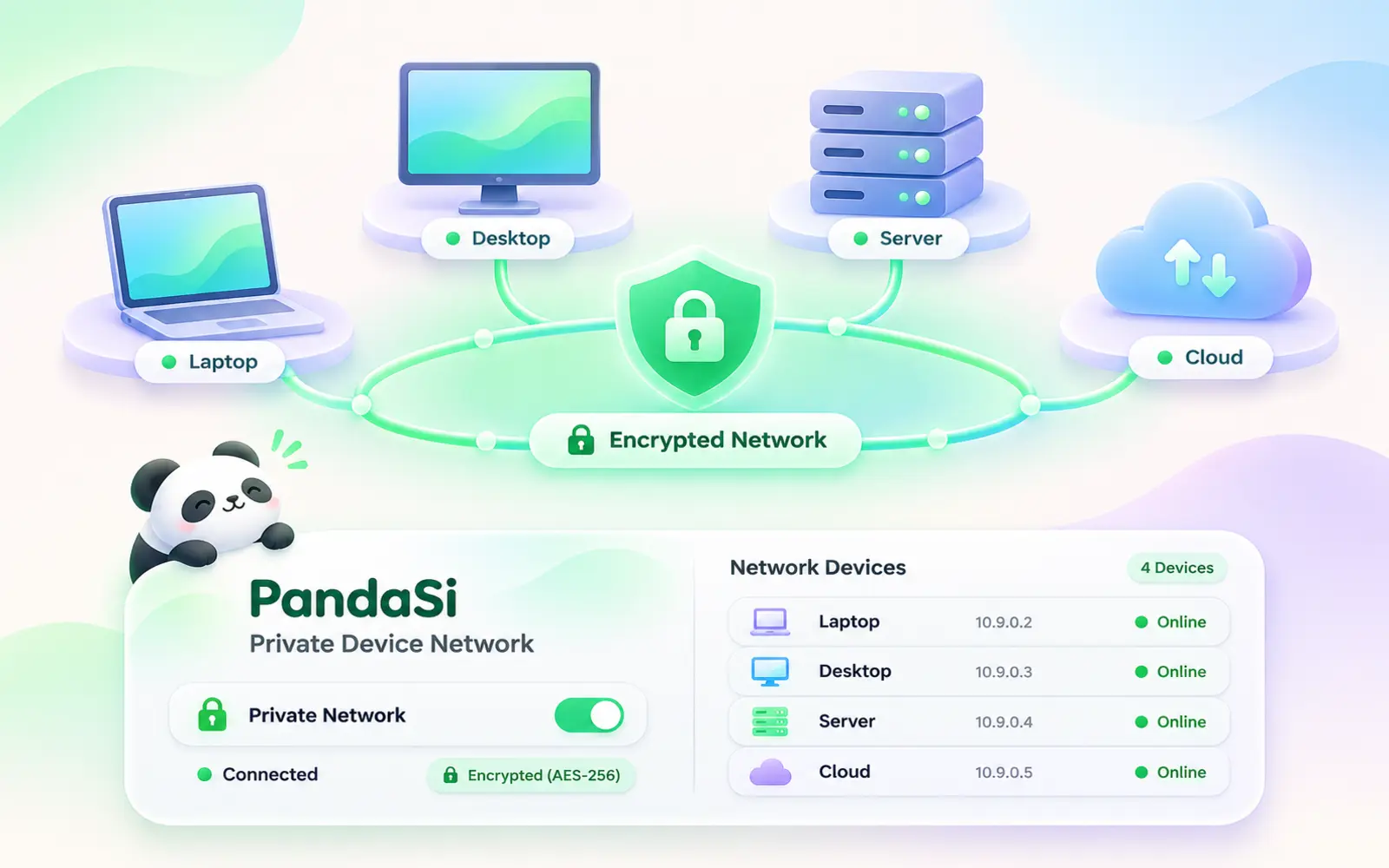
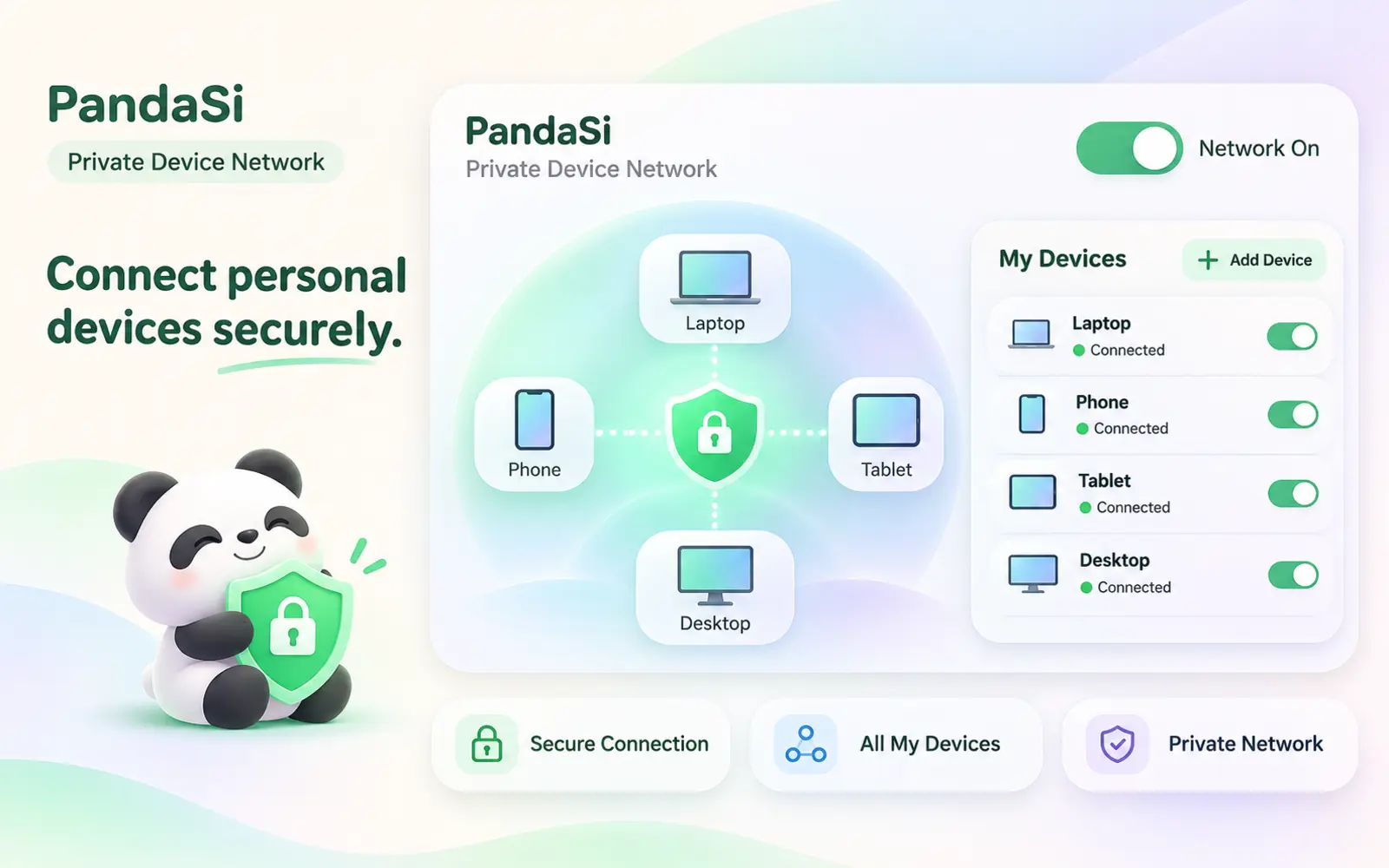
Devices talk to each other over encrypted tunnels, peer to peer when the network allows, relayed when it does not.
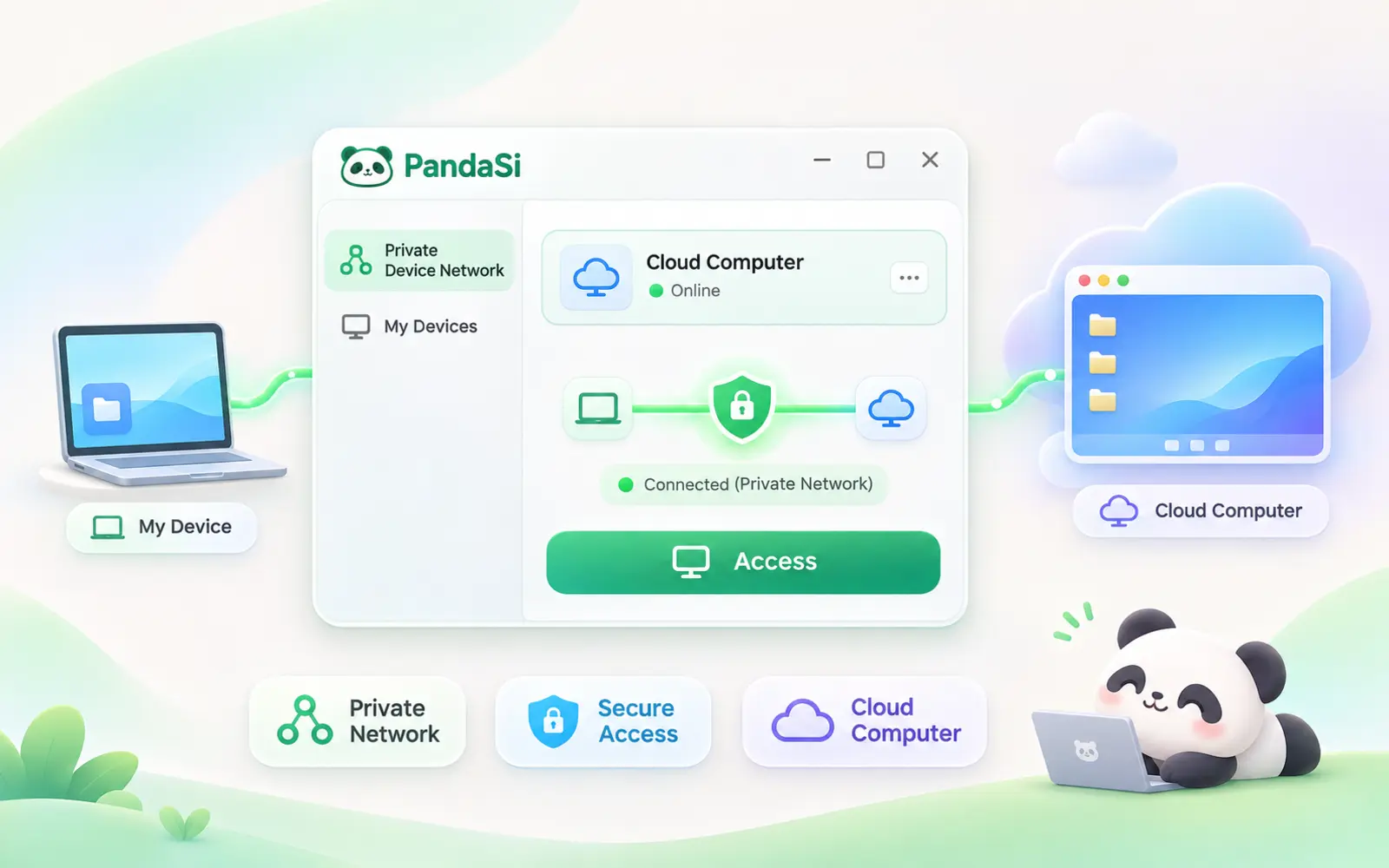
Your cloud computer joins as its own device, so it can reach your other machines and they can reach it.
Generate a key on the Connected Devices page and paste the install command on the device. Nothing else to configure.
Or start the client and open the link it prints. You see the hostname and approve it from your account.
Devices talk to each other over encrypted tunnels, peer to peer when the network allows, relayed when it does not.
Your cloud computer joins as its own device, so it can reach your other machines and they can reach it.
Run Claude Code or Codex on the machine that has the code and drive it from your phone or another computer.
See which devices are online and when they were last seen. Revoke a device or an unused key in one click.
Open Connected Devices and generate an auth key.
Paste the one-line command on Linux, macOS or Windows.
The device appears online and can reach the rest of your machines.
Full access to your private network. Only approve a device you started yourself, and check the hostname matches.
Linux, macOS and Windows, plus your cloud computer. The iOS app connects to your devices through your account.
Yes. Revoke it on the Connected Devices page and it is disconnected right away.
Both build a private mesh between your machines. PandaSi adds what agents need on top: each device shows up as an Agent connection, so you can start Claude Code or Codex on it from your phone without extra setup.
Free with your PandaSi account.