
Create by chatting
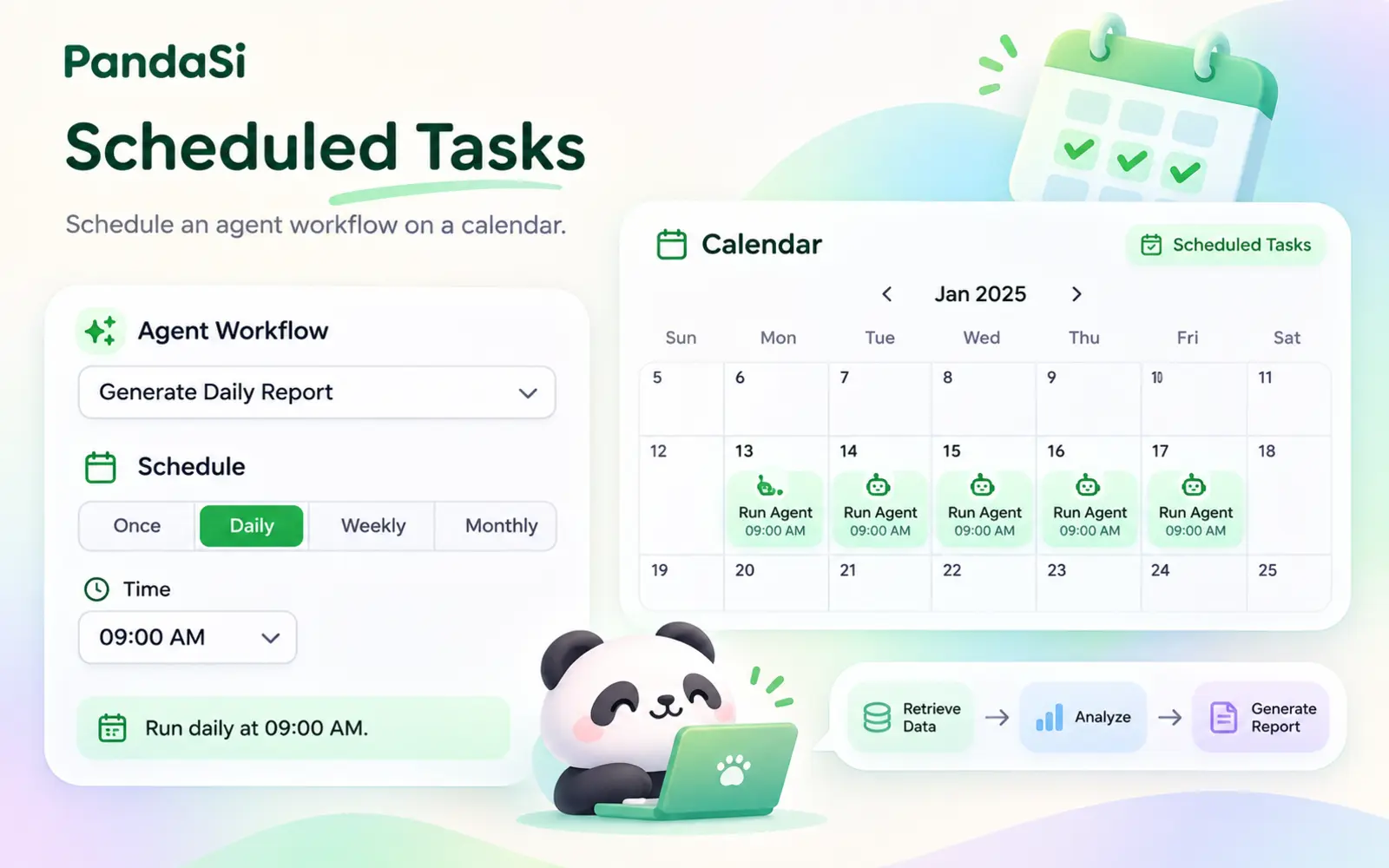
Describe the schedule in a session — "every Monday at 9am" — and the agent creates the task for you. Or use the form.
Tell Claude "every weekday at 9am, do this" and it becomes a scheduled task that runs on your own machine — with history, notifications and results you can open.
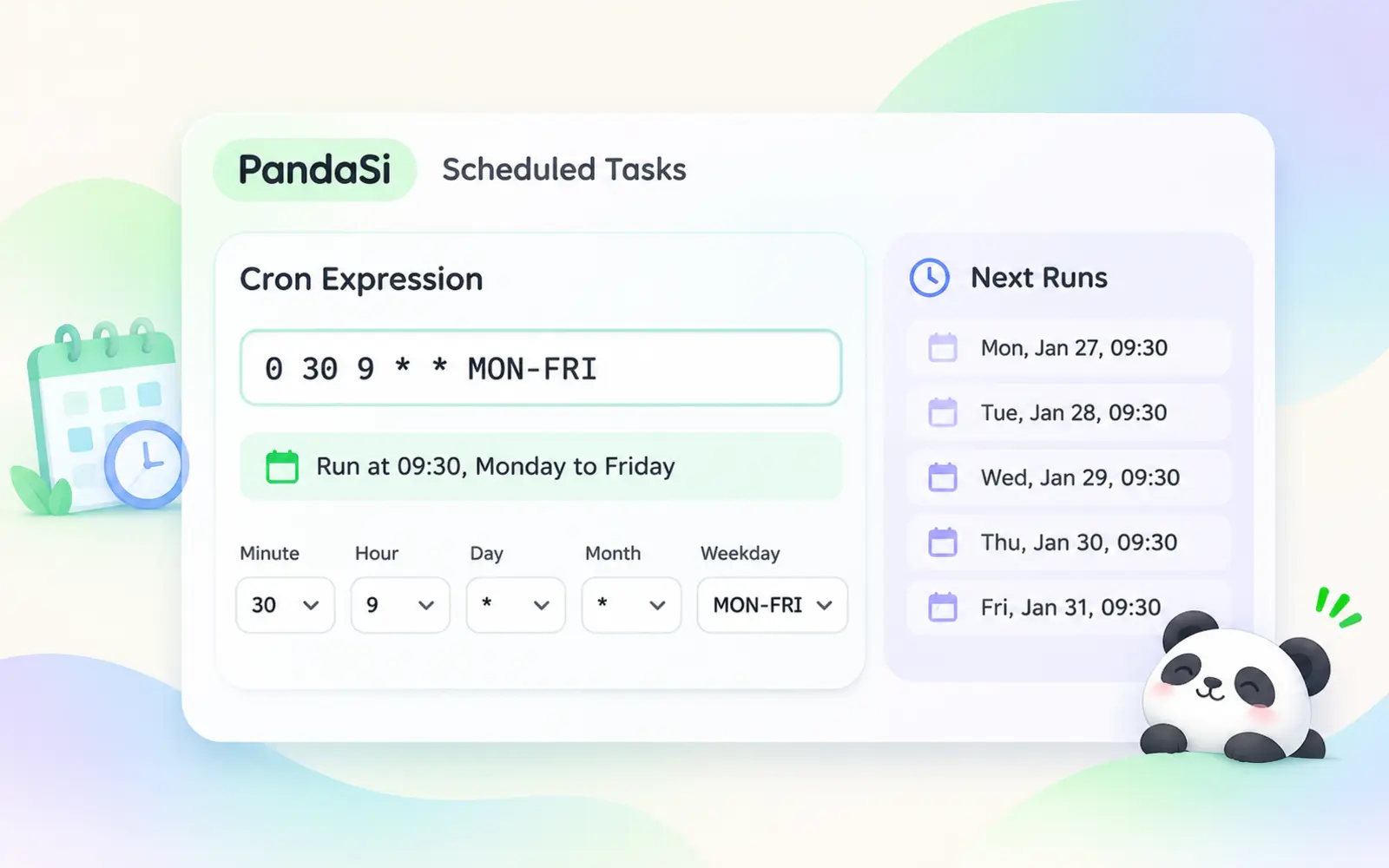
A visual builder for common schedules, plus 5- or 6-field cron for exact timing down to the second.
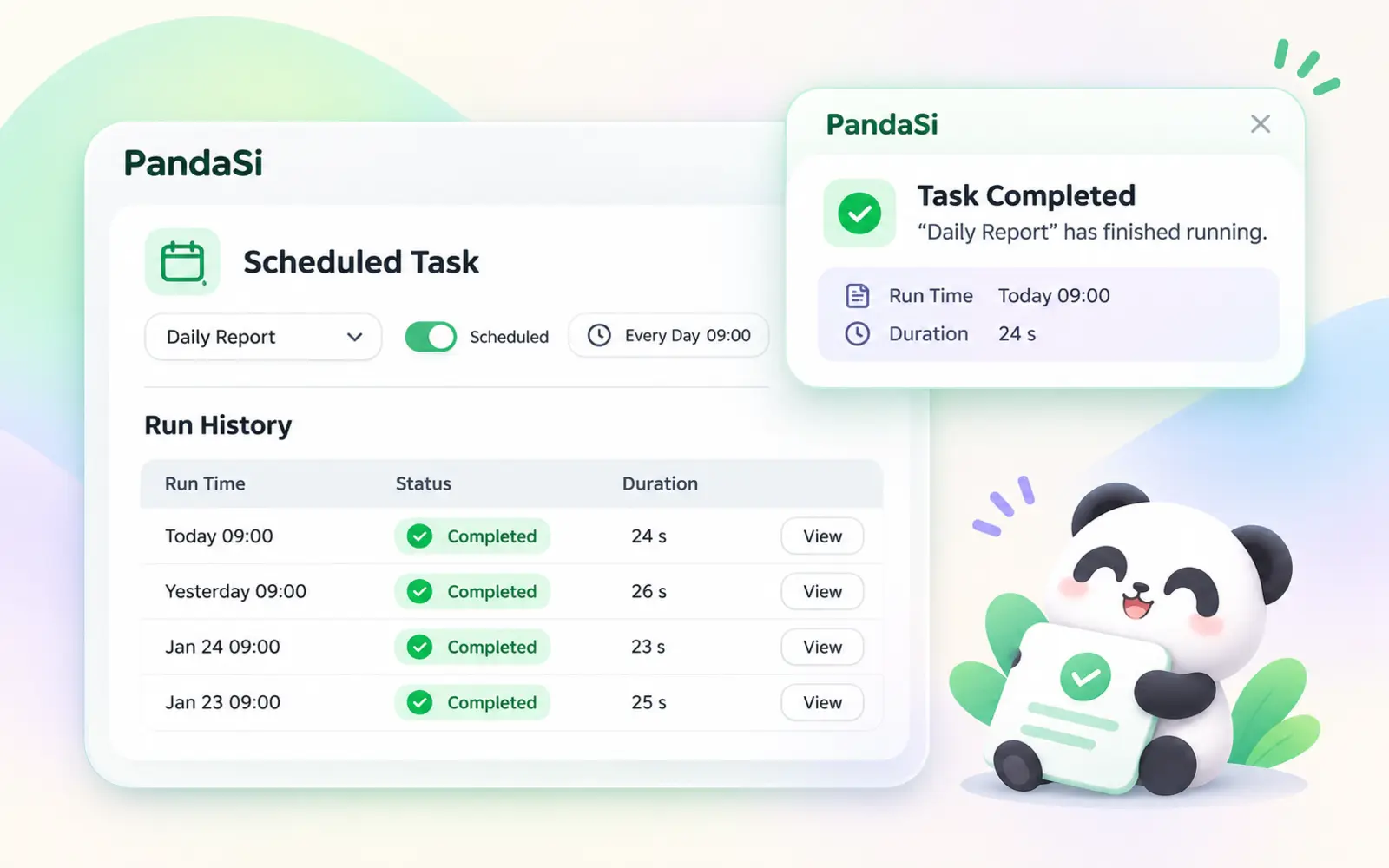
Every run is logged with its result. Get a notification when a task succeeds or fails.
Describe the schedule in a session — "every Monday at 9am" — and the agent creates the task for you. Or use the form.
A visual builder for common schedules, plus 5- or 6-field cron for exact timing down to the second.
Pick the connection and project; the task runs there with the same engine and tools as your interactive sessions.
Start a fresh session every run, or append each run to one session so you can follow up in context.
Every run is logged with its result. Get a notification when a task succeeds or fails.
Stop after an end date or a number of runs; the task turns itself off and shows as completed.
"Weekdays at 6pm, summarise today's commits into my notes."
Choose a machine connection and project.
Check the run history, open the session, or read the published result.
The selected connection must be online when the task fires. A cloud computer is always on.
Yes. Link an artifact and each run publishes a new version of it.
Create it in the app or just ask your agent.