
Agent sessions
A public read-only link to the full conversation, including tool calls. Choose 7 days, 30 days or forever, refresh the snapshot, or stop sharing any time.
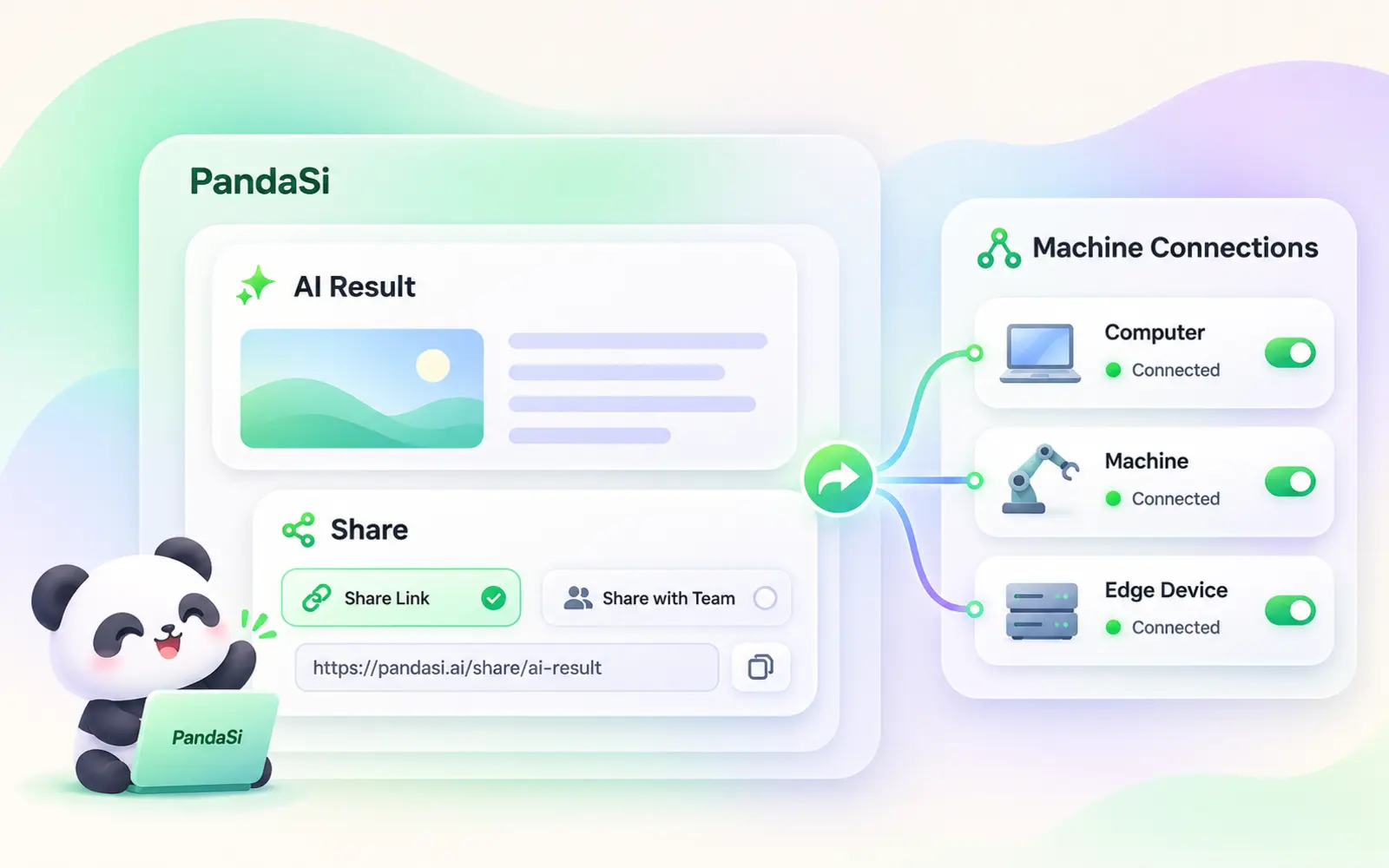
Send a session as a link, stream it live, hand a teammate access to your machine, or publish the result as a page. Every share can be revoked.
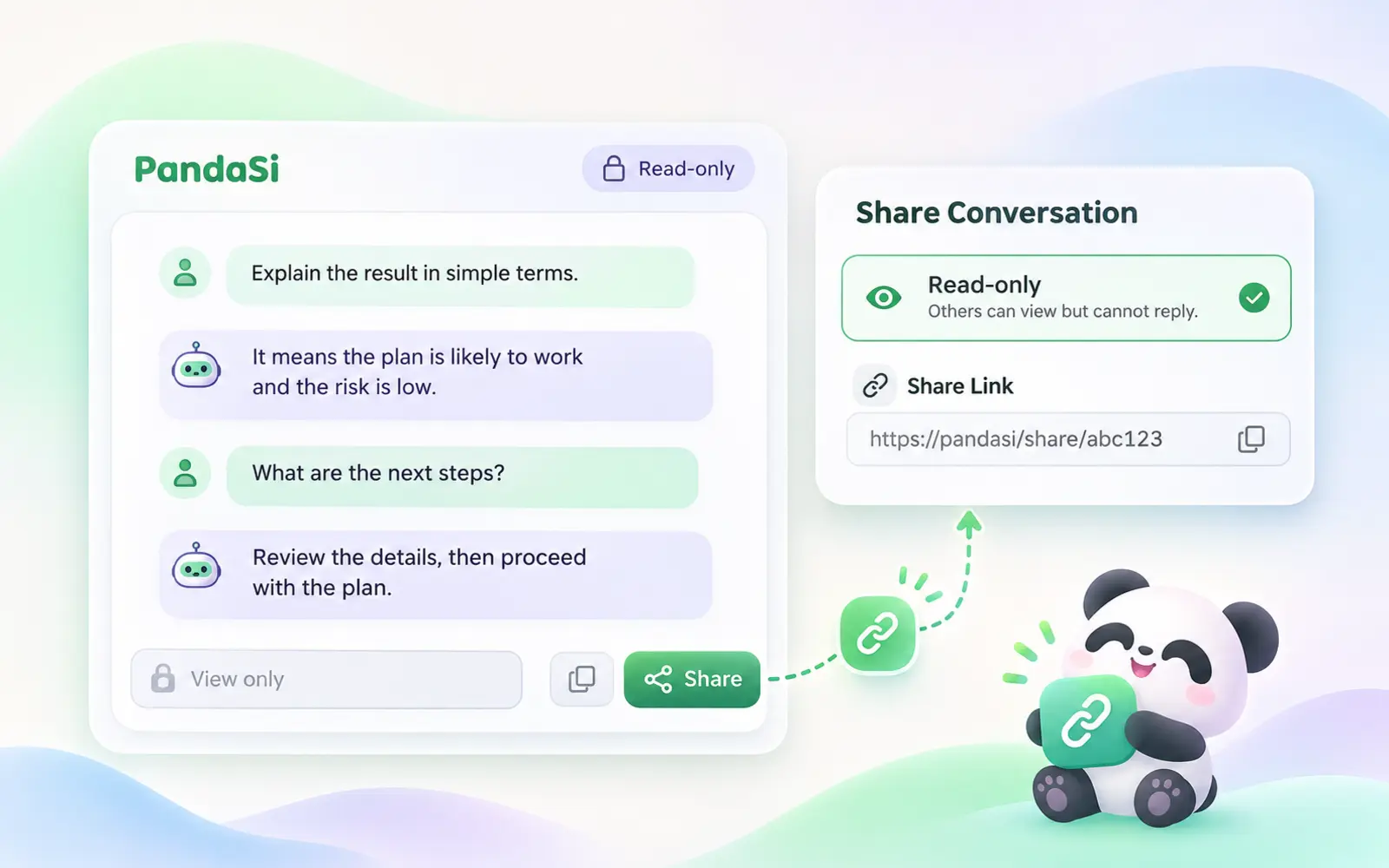
A public read-only link to the full conversation, including tool calls. Choose 7 days, 30 days or forever, refresh the snapshot, or stop sharing any time.
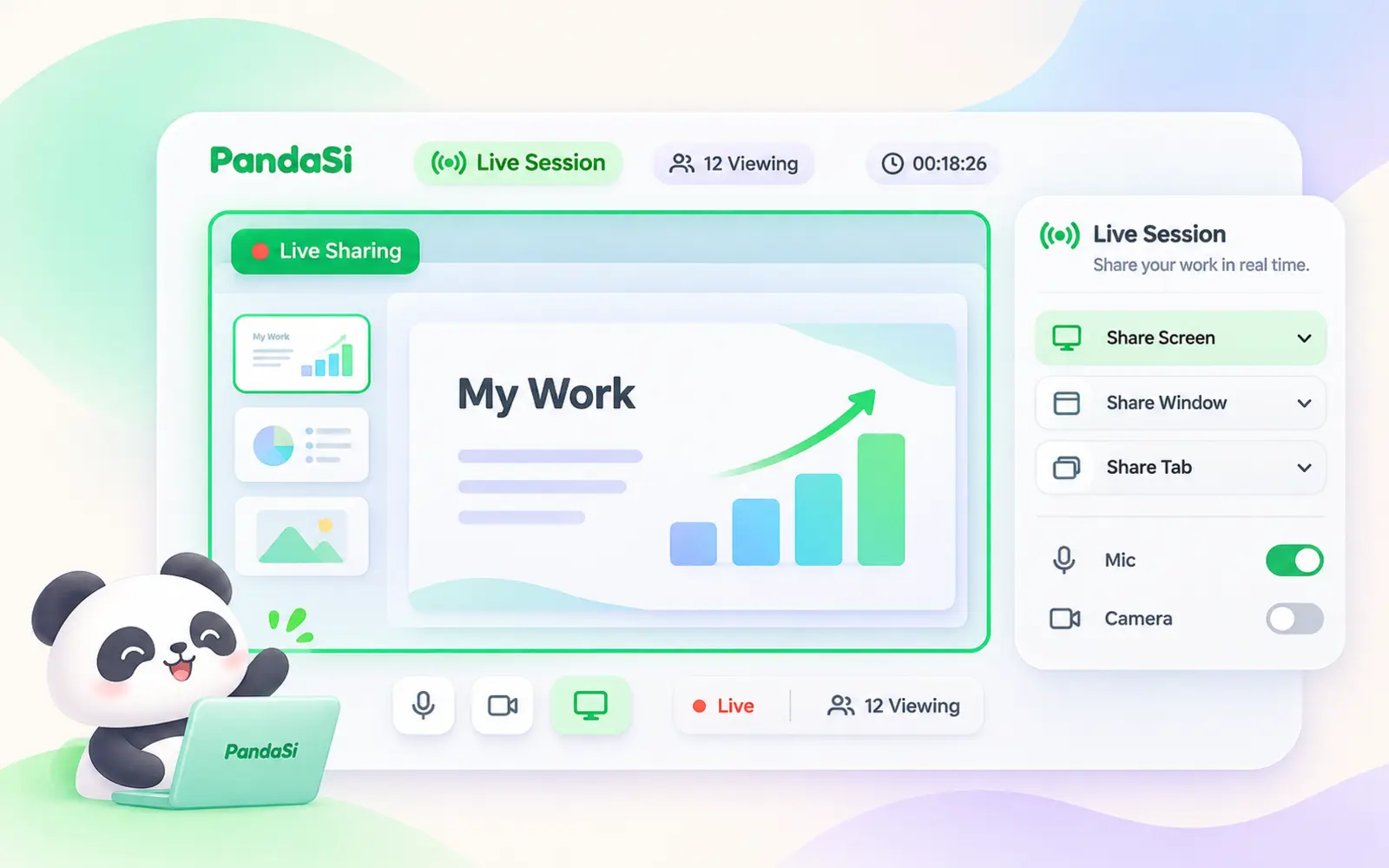
Share while the agent is still working. Viewers watch it stream in real time; when the run ends they see the final snapshot.
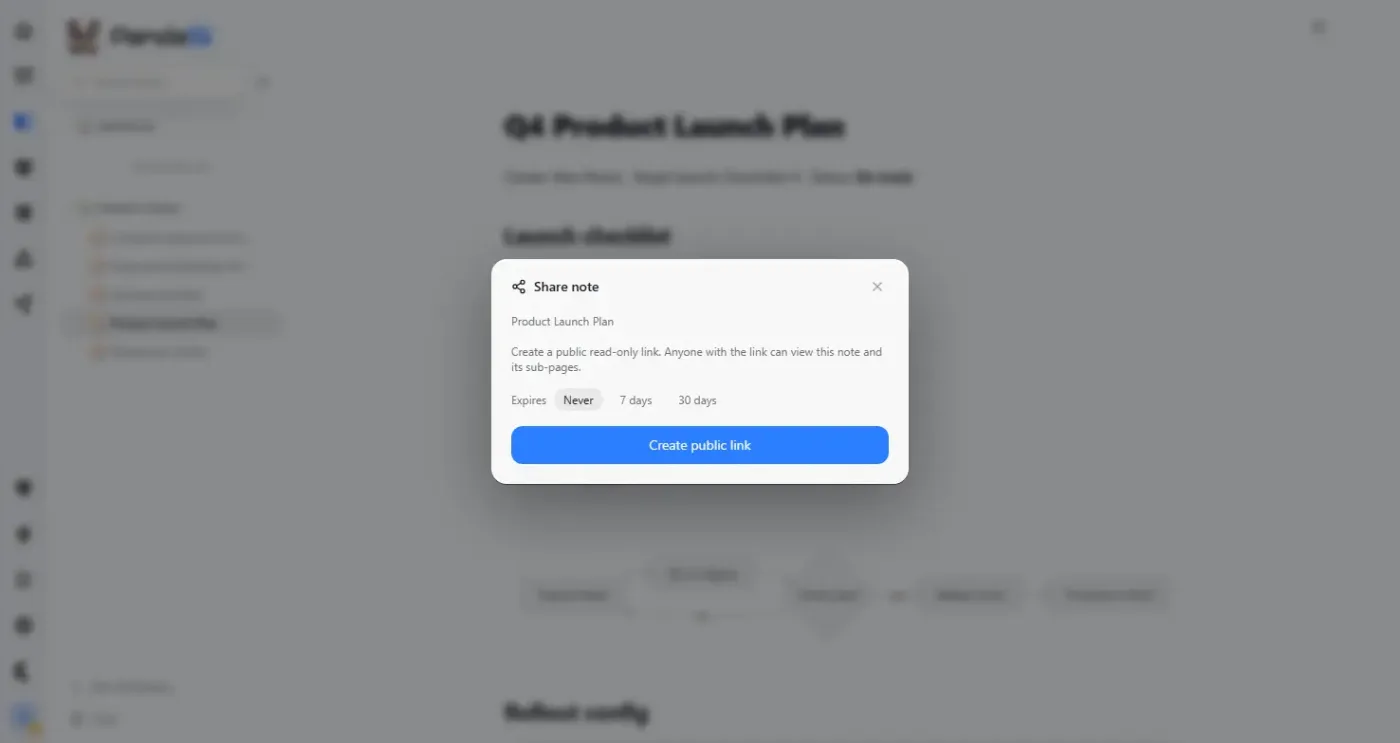
Share a note or a published artifact with a link. Both stay private until you share them.
Real product screenshotA public read-only link to the full conversation, including tool calls. Choose 7 days, 30 days or forever, refresh the snapshot, or stop sharing any time.
Share while the agent is still working. Viewers watch it stream in real time; when the run ends they see the final snapshot.
Turn a session into a clean result page — an AI summary of what was asked, what was done and what changed — instead of a raw transcript.
Give another PandaSi user a share code for one of your connections. They drive the agent on your machine; each share has its own token, can expire, and can be revoked on its own.
Share a note or a published artifact with a link. Both stay private until you share them.
Send a link to an NPC you designed so friends can add the same character to their own account.
Open a session, note, artifact or connection and choose Share.
Choose read-only or live, an expiry, or a summary page.
See everything you shared in one place and revoke any link.
No. Session links are read-only. Only connection shares let someone drive an agent, and only on the connection you chose.
The full conversation including tool inputs and outputs, which can contain code, file paths or secrets. Check before sharing.
Choose Stop sharing on the item, or revoke it from your shares list. The link stops working right away.
Free with your PandaSi account.