
Windows
64-bit Windows 10 or later
- Download the installer with the Windows button above.
- Run the downloaded .msi file and follow the prompts.
- Launch Panda Super Intelligence and sign in with an email verification code — no API key.
One app holds every PandaSi product: drive Claude Code, Codex and other agents from your phone, browser or desktop, with AI notes, AI NPCs, todos, scheduled tasks, artifacts, a private device network and multi-model chat built in. Windows / macOS / Linux / iOS / Android — sign in with email, no API key.
Drive your agent sessions — Claude Code, Codex and more — right in the browser side panel, no app install needed.
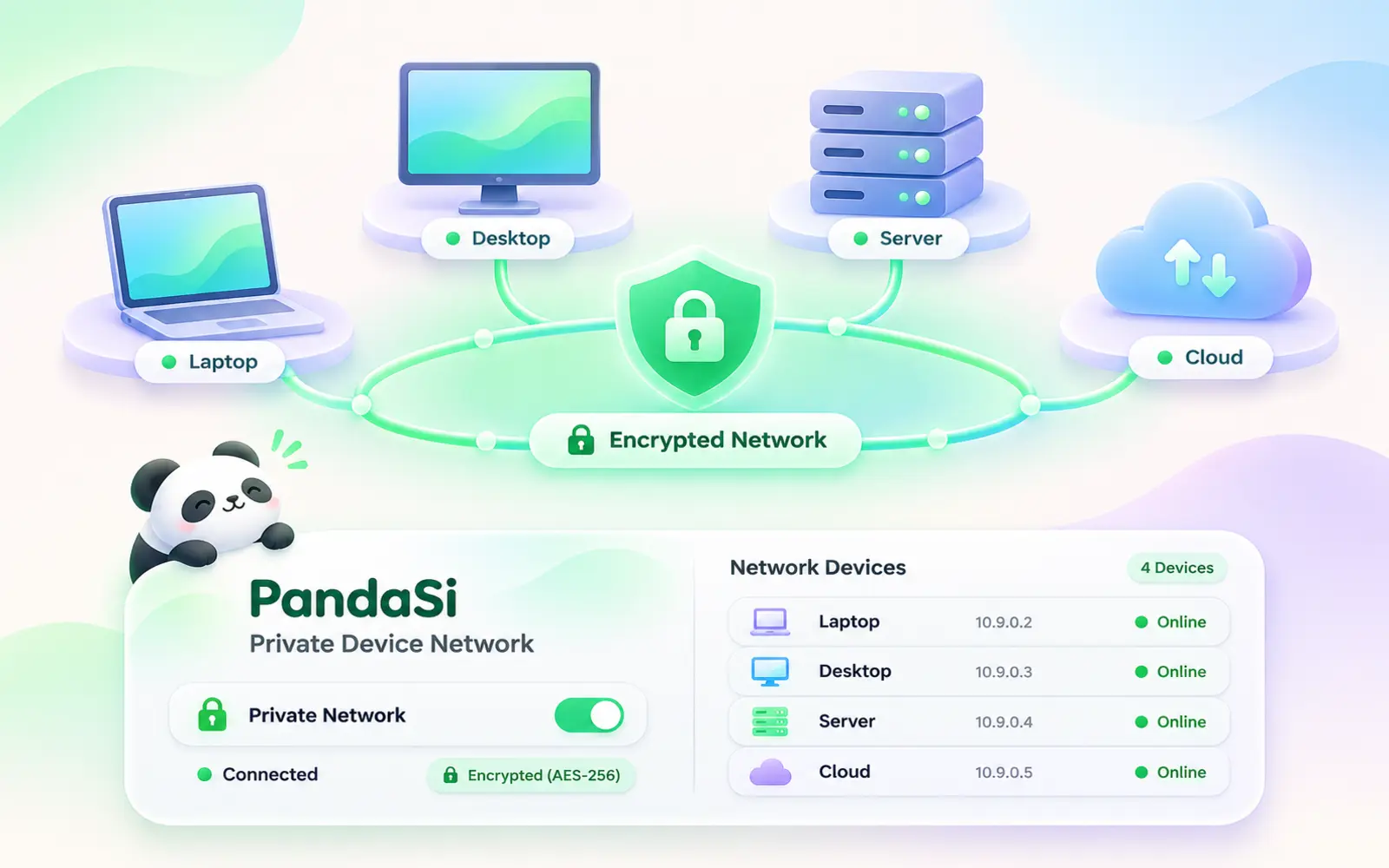
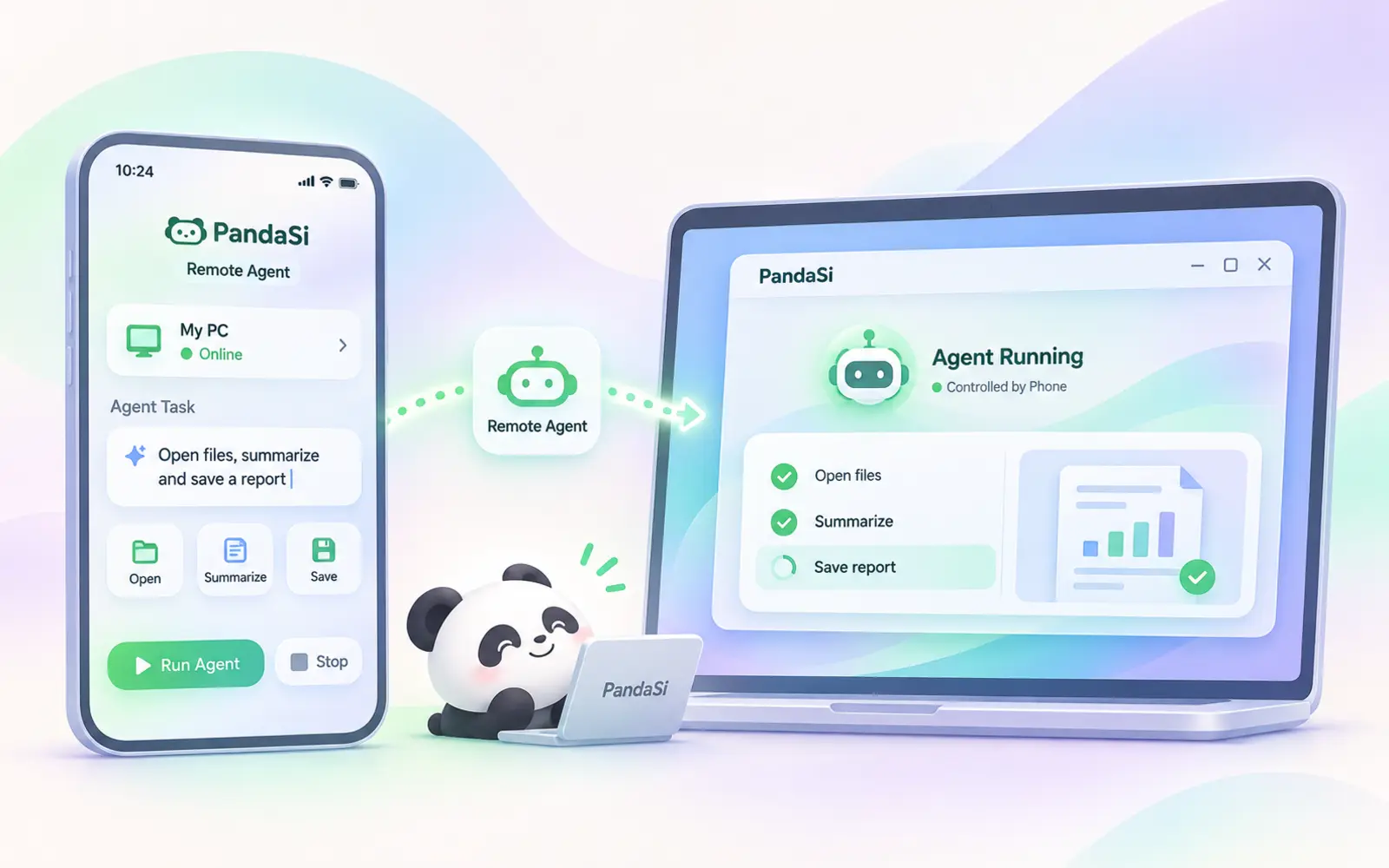
Agents, notes, NPCs, todos, scheduled tasks and artifacts all live behind one sign-in and stay in sync across desktop, phone and browser — nothing extra to install per product.
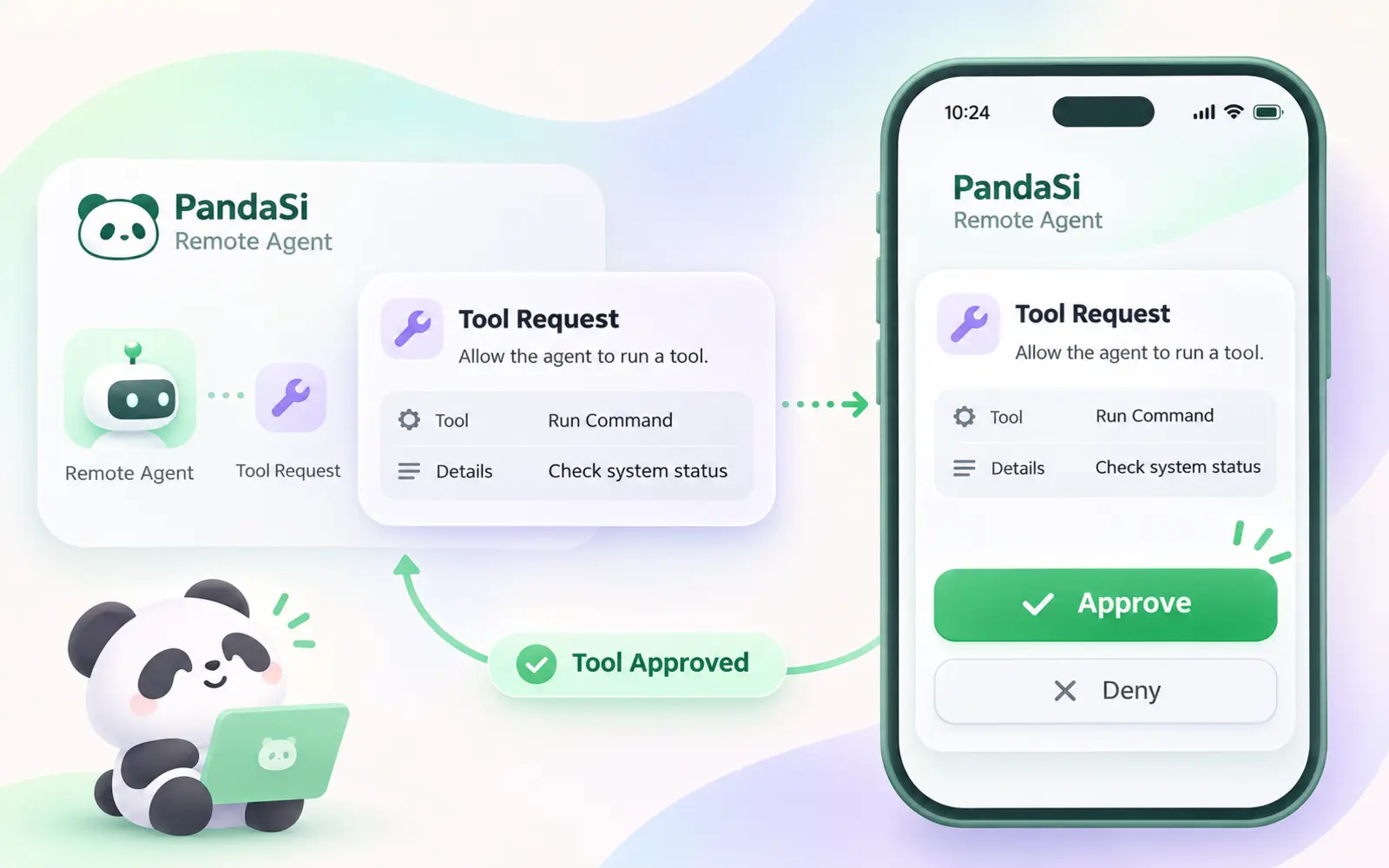
Claude Code, Codex and other engines share one agent page. Start a task on the desktop, then send prompts, read diffs and approve tool calls from your phone or a browser.
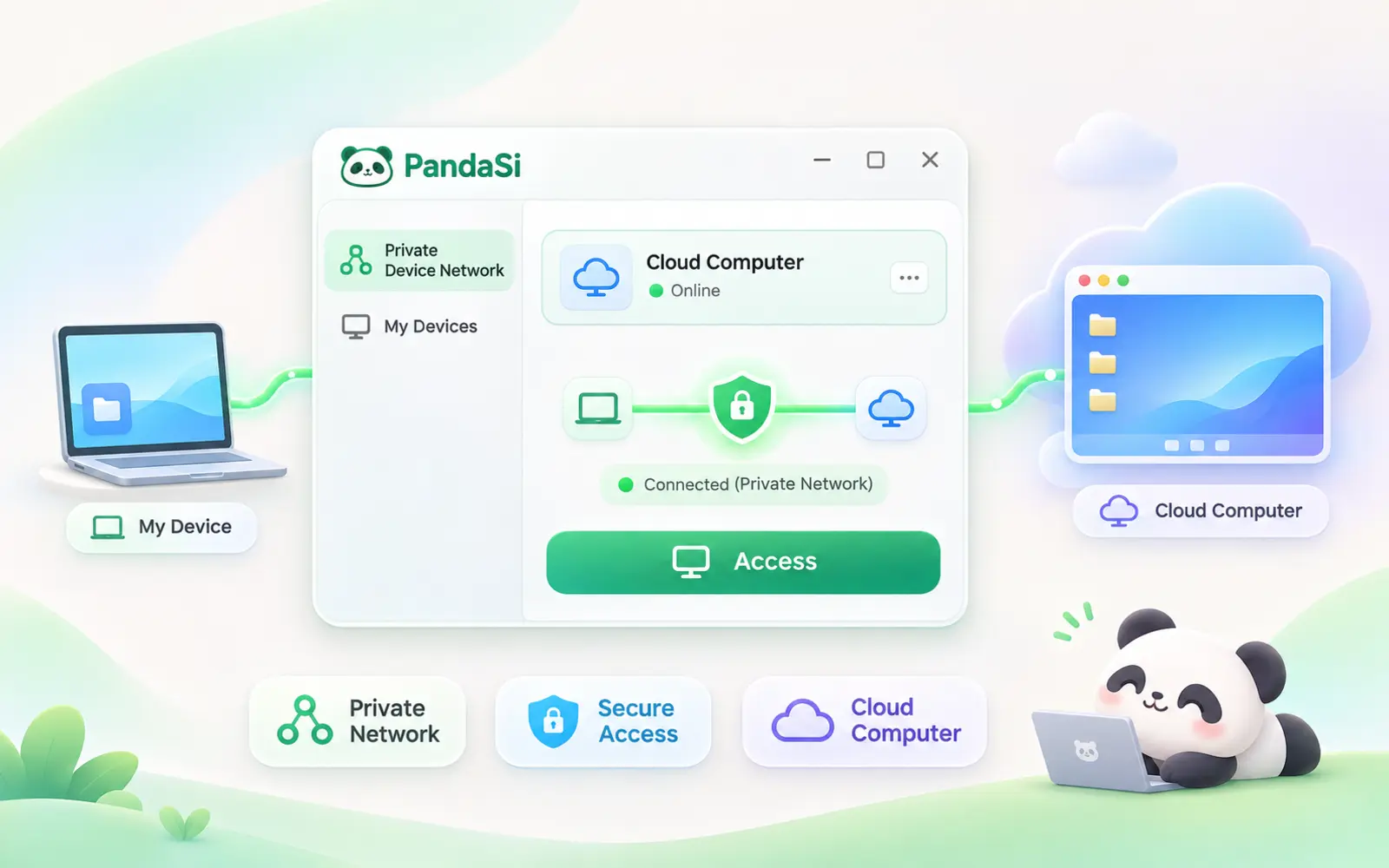
Link laptops, servers and a cloud computer into an encrypted device network. On the desktop you also get a built-in terminal and SSH to step into any of them.
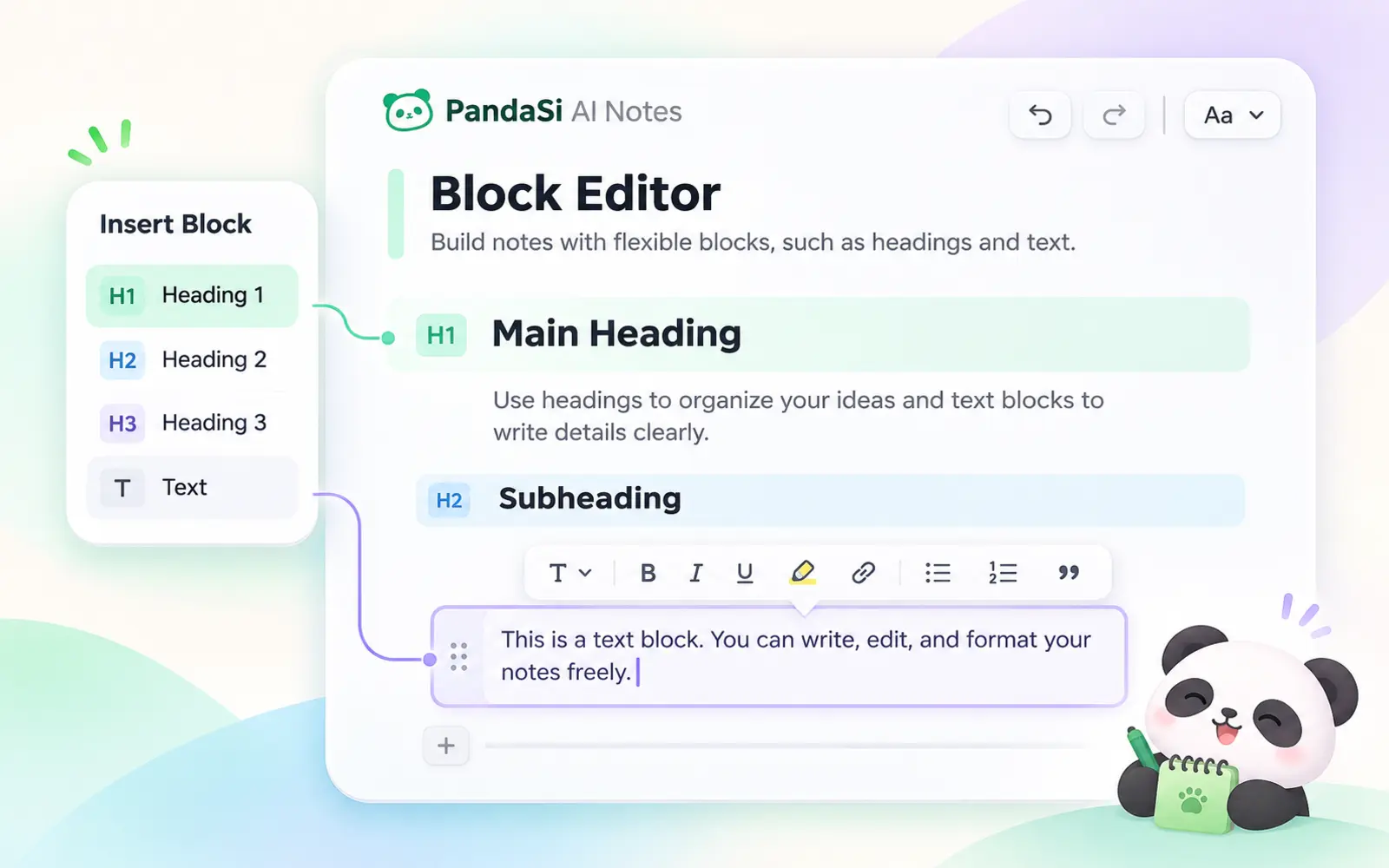
Agents edit your AI notes directly over MCP, publish artifacts and share sessions — the rules, skills and memory in the agent center keep every engine on the same page.
Sign in once and every PandaSi product is there — on the desktop, on your phone and in the browser.
Your coding agent keeps running on your own machine. PandaSi gives you a live connection to it from anywhere — send a prompt, approve a tool call, read the diff, without sitting at that desk.
Learn more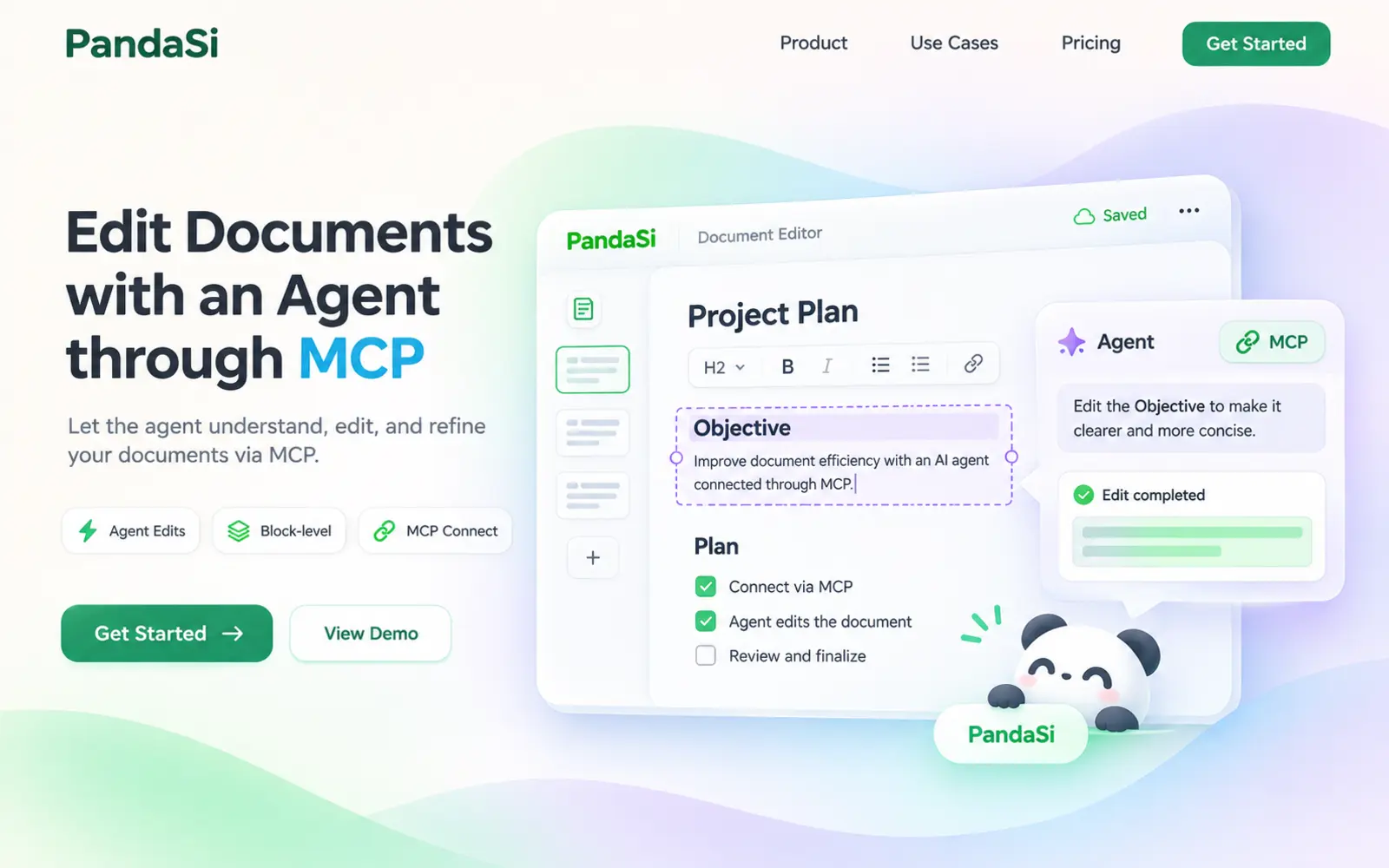
A markdown notes app where Claude, Codex and Cursor read and edit your documents directly over MCP — not by copy-paste into a chat box.
Learn more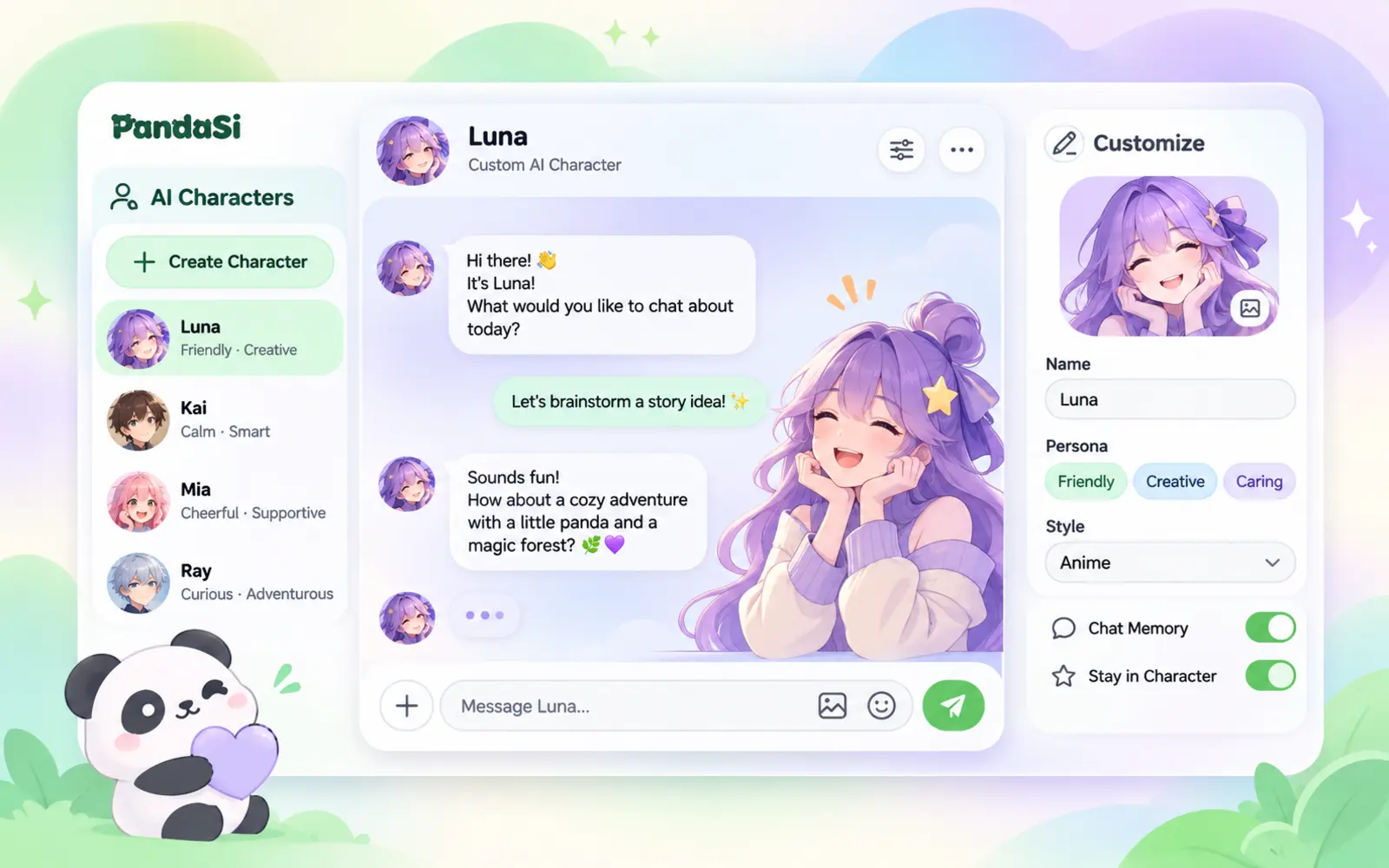
Design an NPC with its own persona, voice and look. Chat any time, put several in a group, and ask one to hand a real task to your cloud computer.
Learn more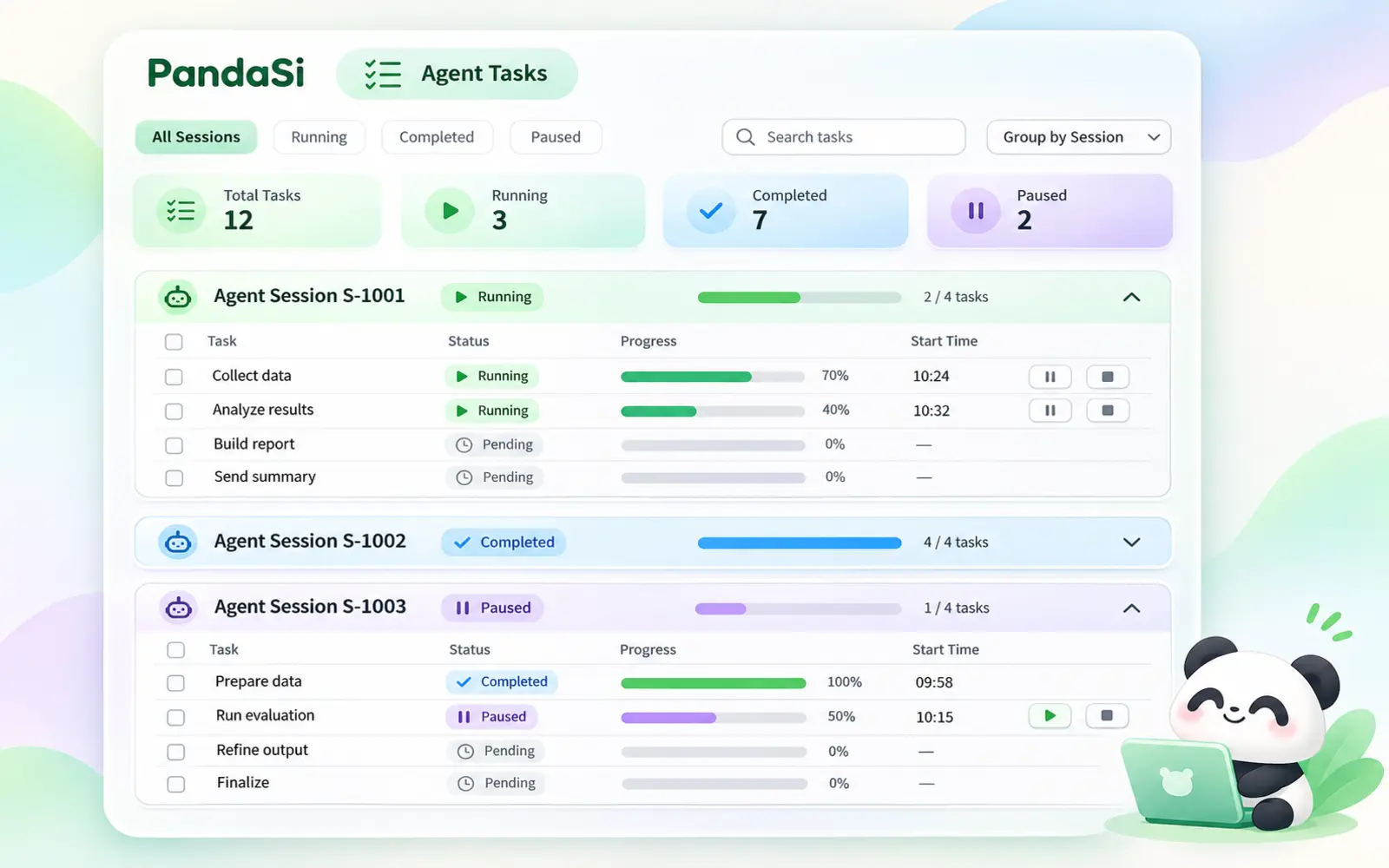
Your coding agents plan their work as to-do lists. PandaSi gathers them from every session into a single board, so you see what is done and what is left at a glance.
Learn more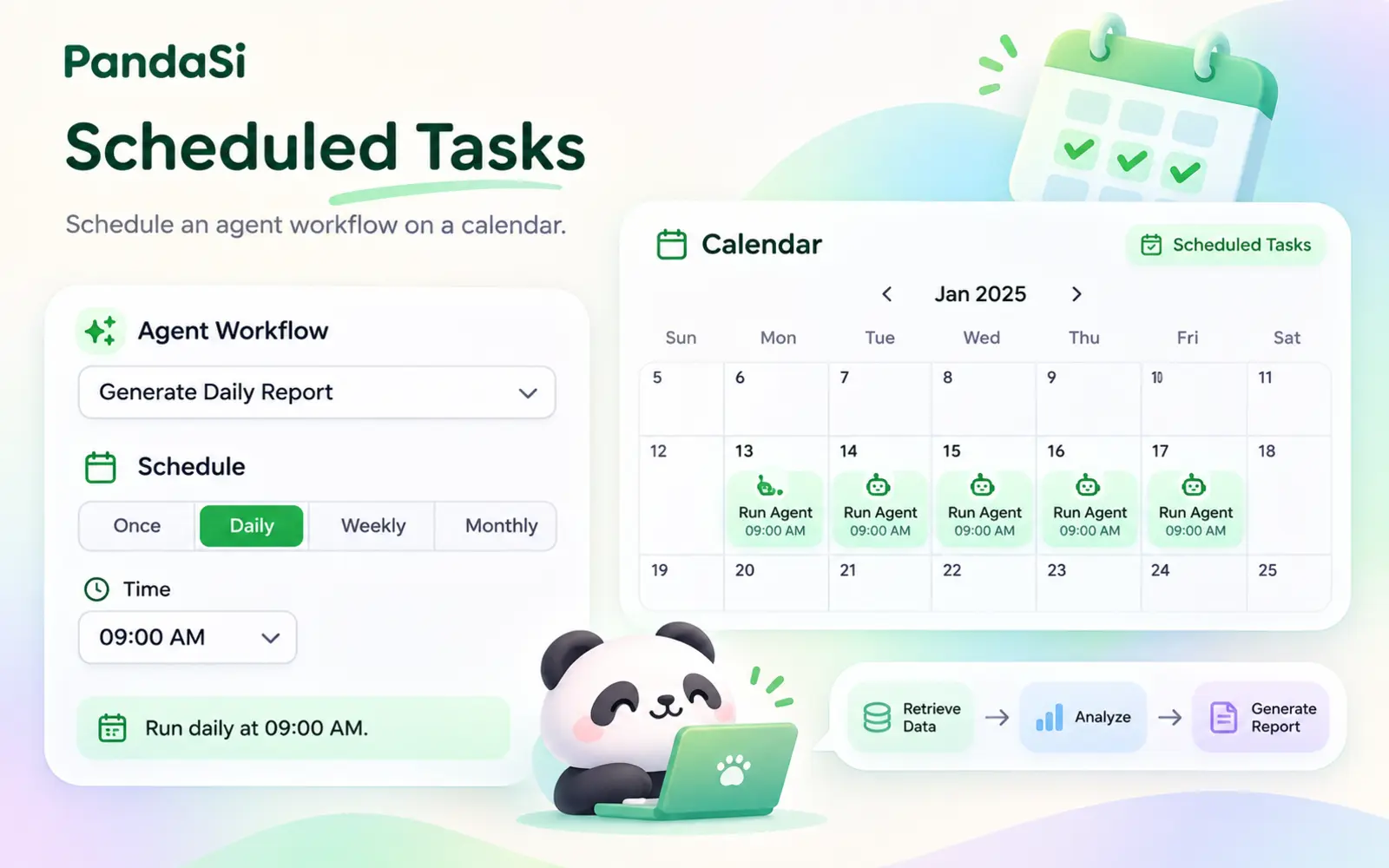
Tell Claude "every weekday at 9am, do this" and it becomes a scheduled task that runs on your own machine — with history, notifications and results you can open.
Learn more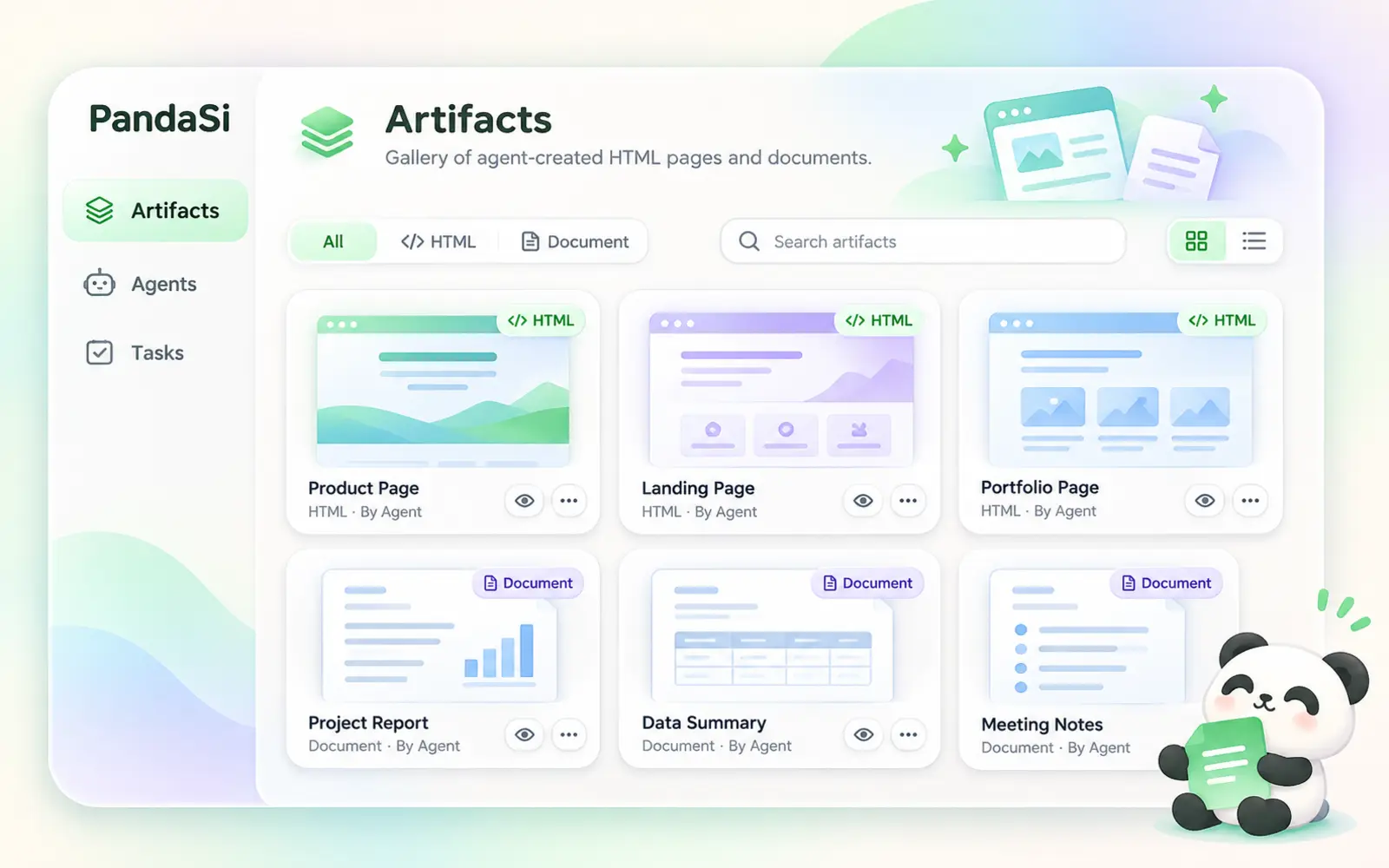
Reports, dashboards, explainers and documents your agent creates become artifacts — real pages with their own link, private until you share them.
Learn moreJoin your laptop, office PC, servers and cloud computer with one command. They reach each other directly and securely — and your agents can work on whichever one has the code.
Learn more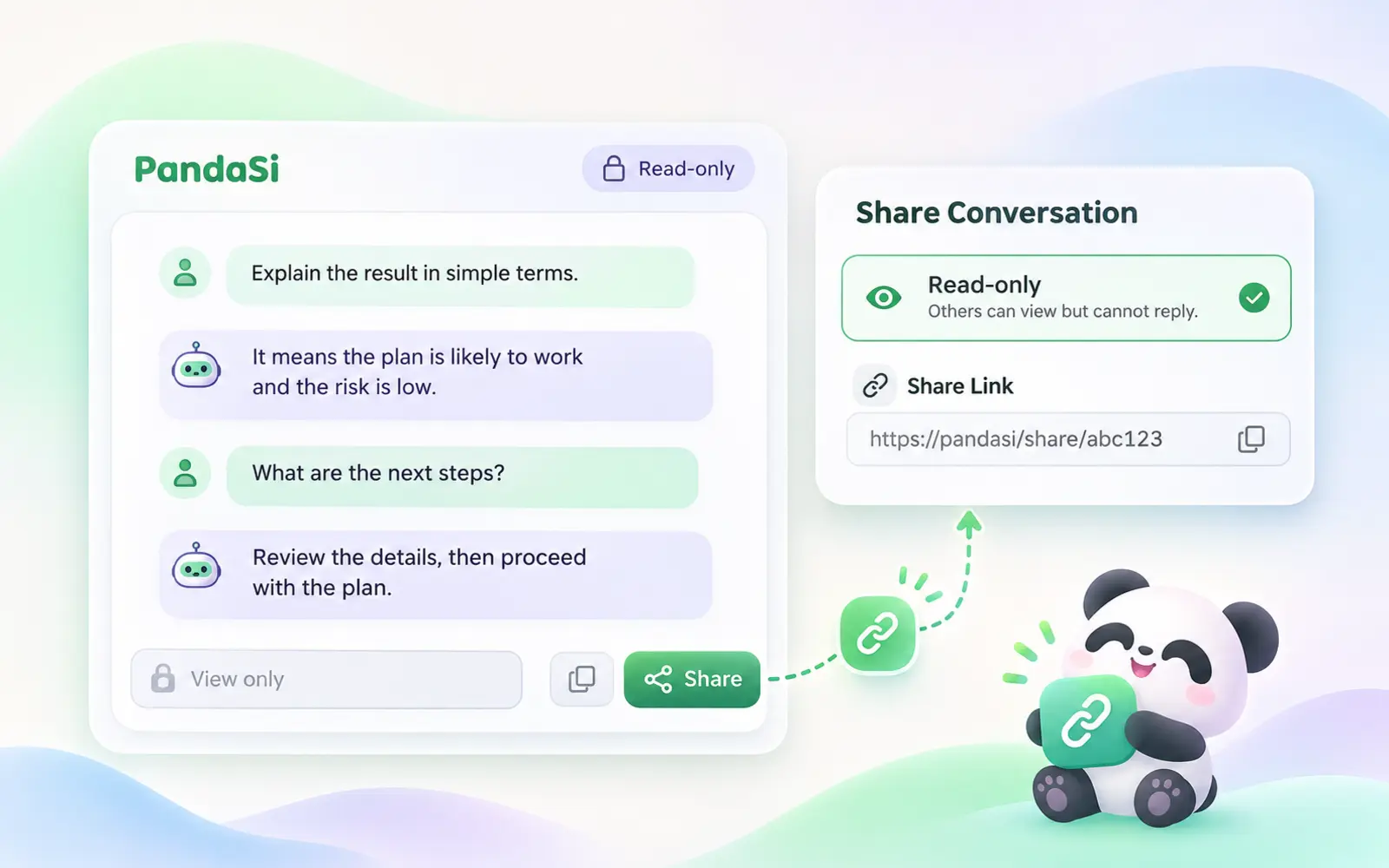
Send a session as a link, stream it live, hand a teammate access to your machine, or publish the result as a page. Every share can be revoked.
Learn more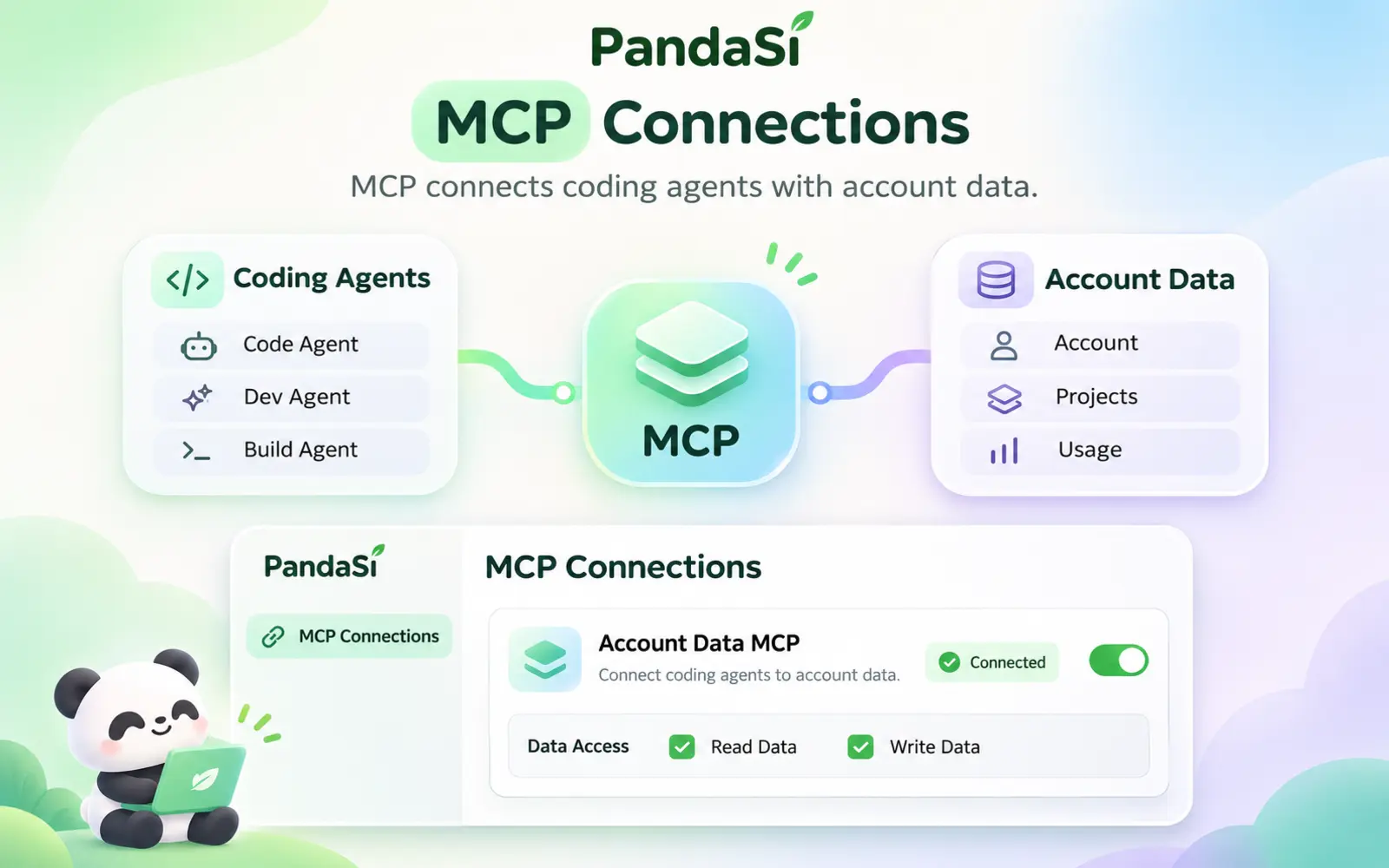
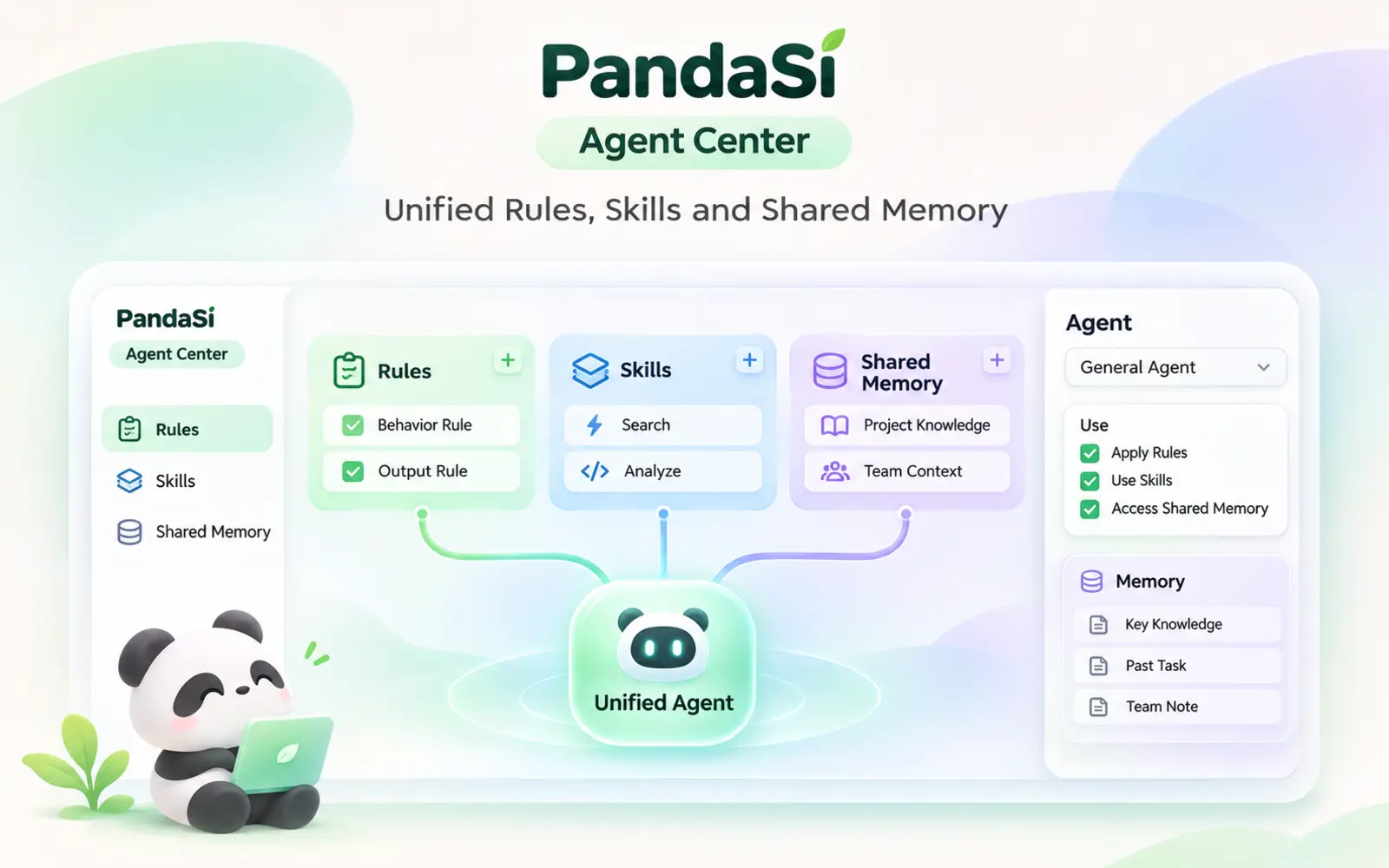
Agent Center keeps the instructions, skills and shared memory of all your coding agents together, and syncs them to every machine and project so each agent starts with the same context.
Learn more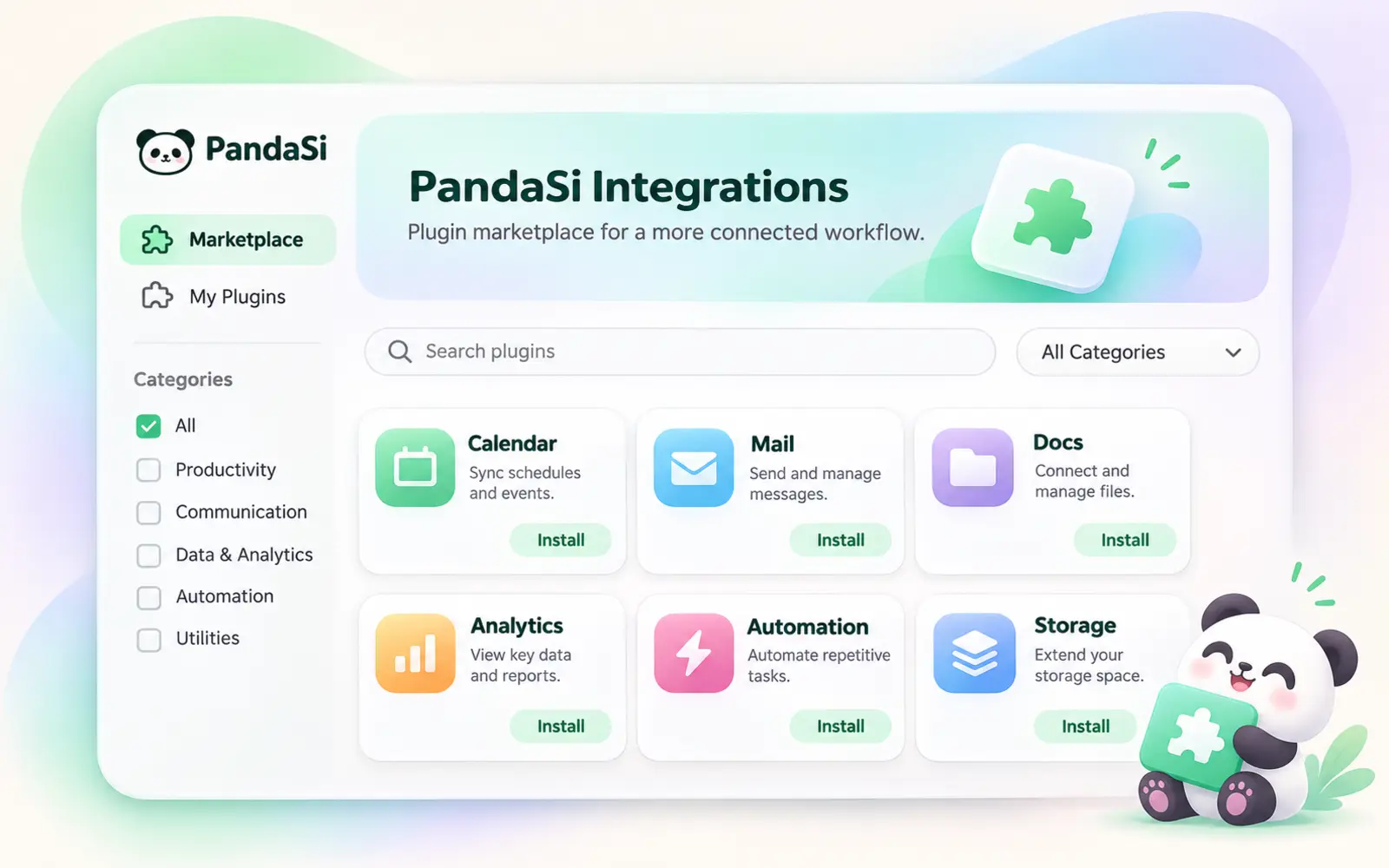
Integrations is a marketplace of plugins that plug third-party services into PandaSi. Connect once and your agents can use them as tools in any session.
Learn moreChat with Claude, Gemini, DeepSeek and more side by side. Free models need no API key, and you can bring your own key for others.
Learn moreRun agents on a cloud computer that joins your private network. Included with Plus, Pro and Max plans, from 2 vCPU / 4 GB up to 8 vCPU / 16 GB.
Learn morePick your platform above. Every build signs in to the same account and opens the same sessions and notes.
64-bit Windows 10 or later
One universal build for Apple Silicon and Intel
Most modern x86_64 distributions
iPhone and iPad, via the App Store
Android 8.0 or later; sideloaded APK, not on Google Play
Updates install themselves The desktop app checks for new versions and updates in place — download once and stay current. iOS updates arrive through the App Store, and the extension through the Chrome Web Store.
Yes. Downloading is free, and a free account already gets every product: the agent workbench for your own computers (3 devices and 10 sessions online at once), AI notes, AI NPCs, the todo board, scheduled tasks, artifacts, sharing, MCP, the agent center, integrations, free chat models and your own API keys. A Plus, Pro or Max plan adds the plan models with a weekly quota, cloud agents and the Bot assistant, a cloud computer (2 vCPU / 4 GB with 100 hours up to 8 vCPU / 16 GB with 600 hours), and more devices and sessions online (10 / 50 up to 100 / 500).
No. Sign in with an email verification code and start chatting with the free models. A subscription adds the plan models and a weekly quota for them.
There is only one — the universal build runs natively on both Apple Silicon and Intel Macs.
Both use the same account and the same products. The desktop app adds what a browser tab can't: a built-in terminal with SSH to your other machines, direct access to your private device network and cloud computer, native windows with a tray icon and global shortcuts, and automatic in-place updates.
You don't have to do anything: the desktop app updates itself in place when a new version ships. The version numbers next to the download buttons always show the latest release.
One account, the same sessions and notes everywhere.